Content Search in Drive
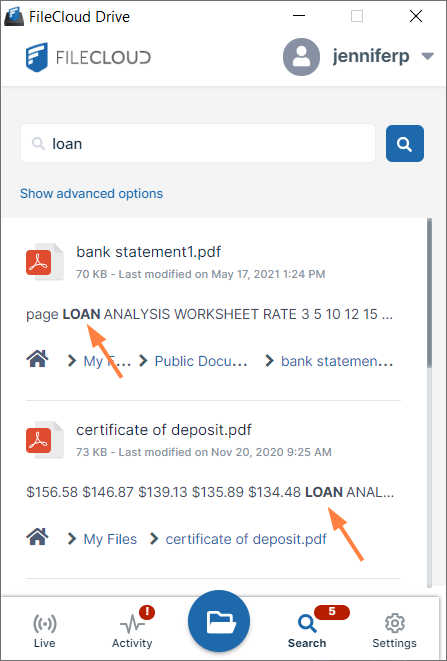
file types such as txt, pdf, doc, docx, xls, xlsx, ppt, pptx. Search results display the matching term in bold.
To perform a content search:
- Access the Search window in Drive.
- Click Show advanced options.
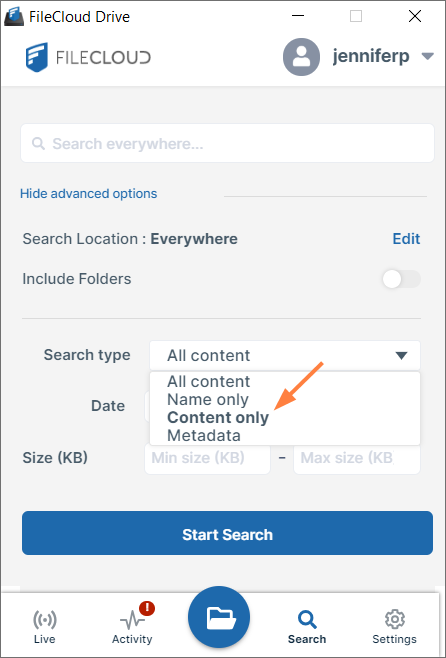
- In the drop-down list, choose Content Only.
- Enter a search term.
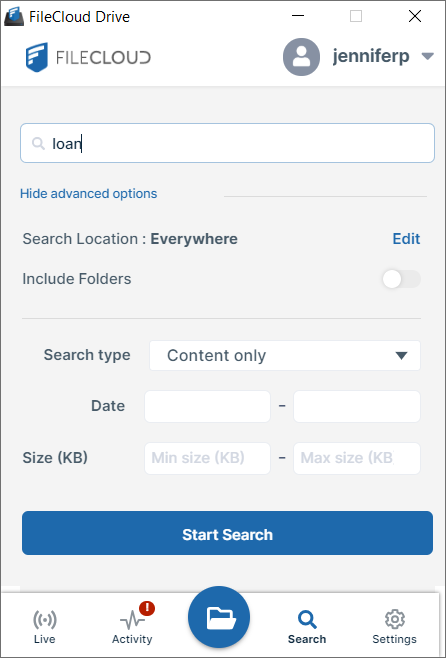
- Click Start Search.
The search returns files that include the search term in their content. The phrase including the search term appears in bold.