Create New Folders in iOS
While you are working in the FileCloud iOS app, you can add a new folder to My Files or any of its sub-folders.
- Go to My Files or navigate to a My Files sub-folder.
- Tap

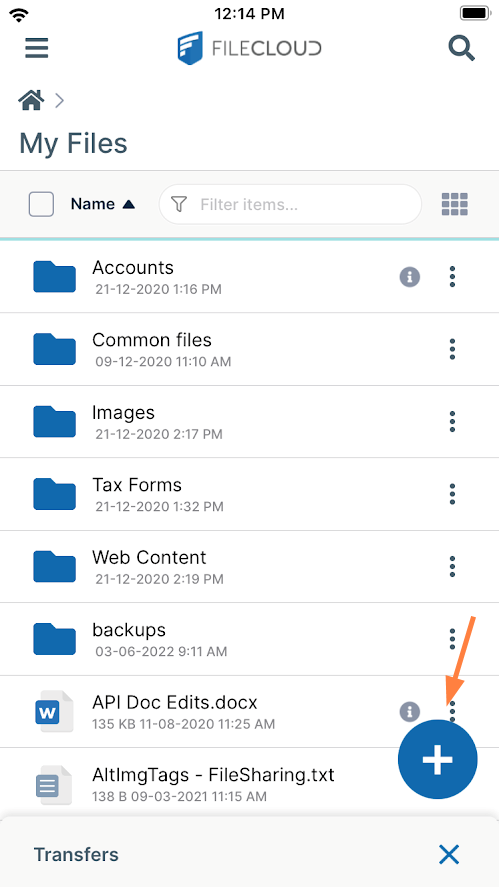
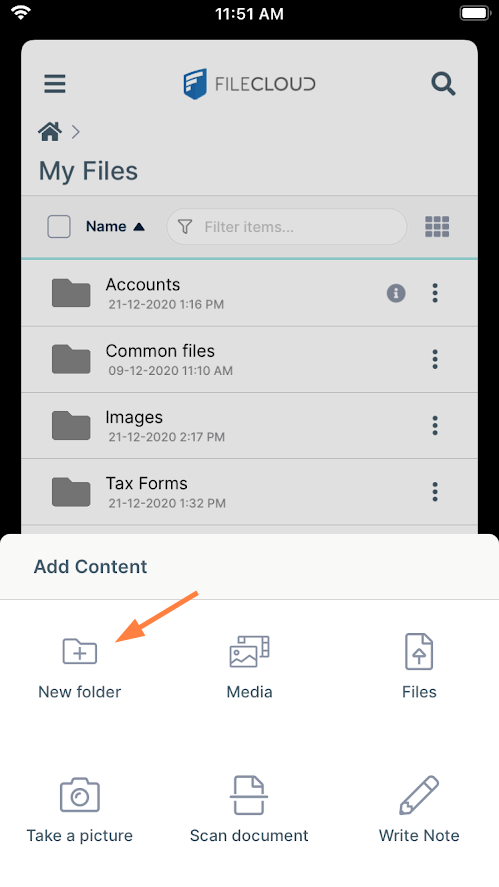
Add Content options open. - Tap New Folder.
A dialog box opens. - Enter a name for the new folder.
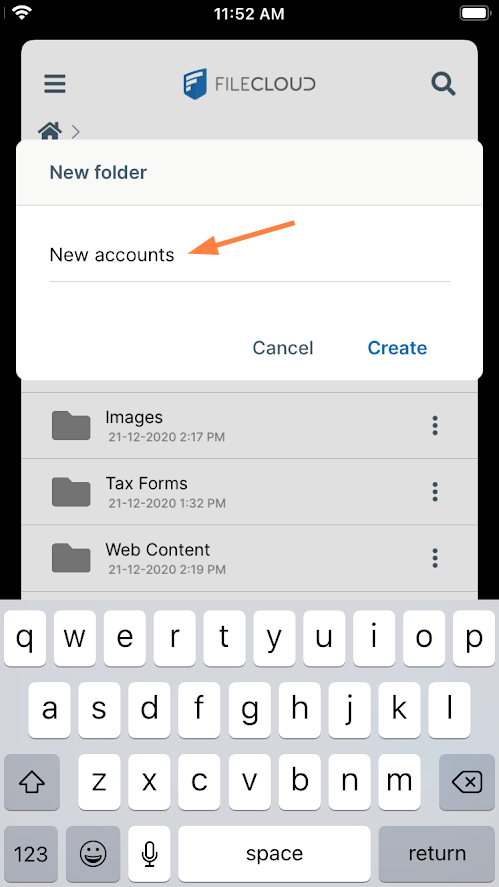
- Tap Create.
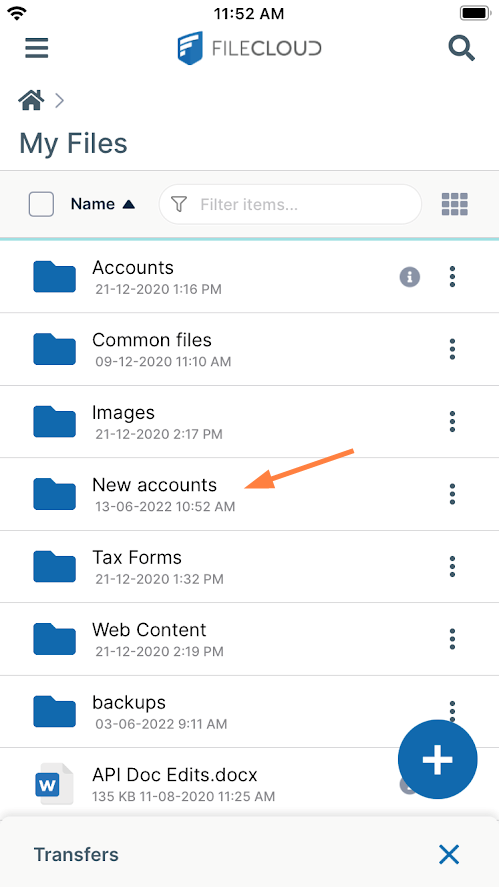
The new folder appears in FileCloud.