
Login Background Image
You can customize the admin or user log-in page background image. For example:
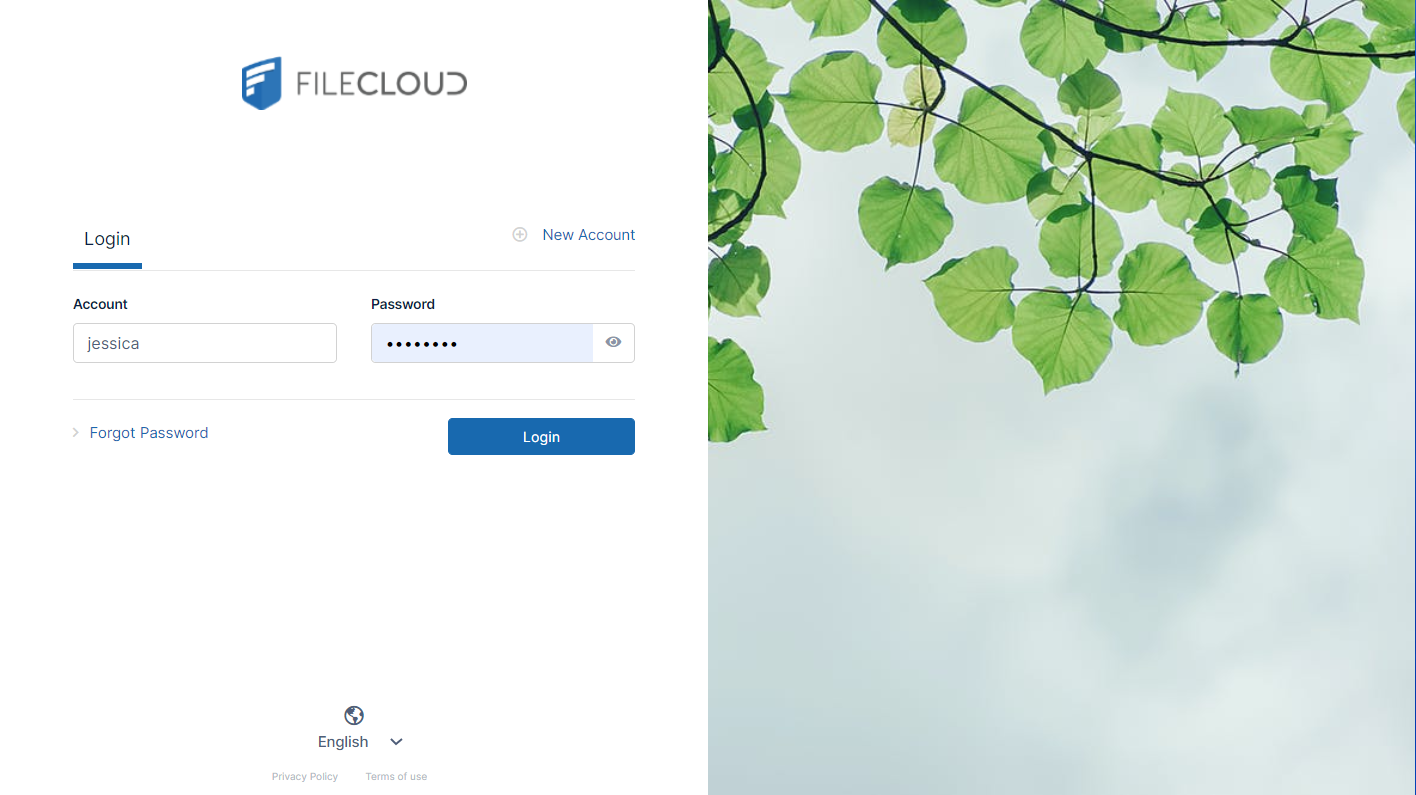
To customize the background image, in the Admin Portal, go to Customizations > Labels and Logos > Logos, Icons, and Backgrounds and click User Login Background or Admin Login Background and choose an appropriate background image for the log-in page.
See Themes, Labels, and Logos for more information.