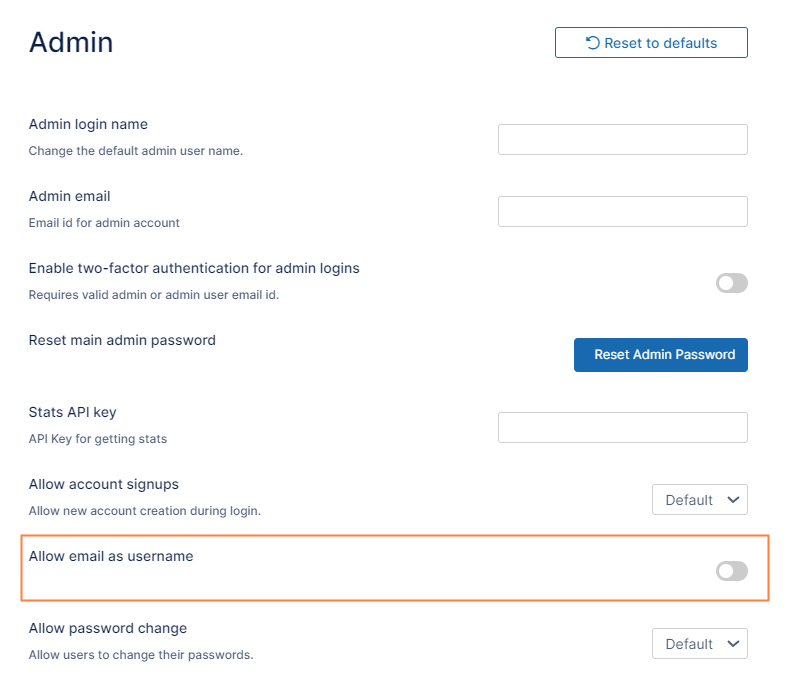
Beginning with FileCloud 23.241, Allow Email as Username is enabled by default.
Prior to FileCloud 23.241, Allow Email as Username was disabled by default.
By default, FileCloud usernames can be the same as the user's email address. You can prevent use of user's email addresses as usernames by disabling an Admin setting.
To prevent use of email addresses as user names:
In the FileCloud admin portal's left navigation bar, scroll down and clickSettings.Then, on theSettingsnavigation page, clickAdmin. The Admin settings page opens.
Disable Allow email as username, and click Save. Emails may no longer be used as usernames.
JavaScript errors detected
Please note, these errors can depend on your browser setup.
If this problem persists, please contact our support.