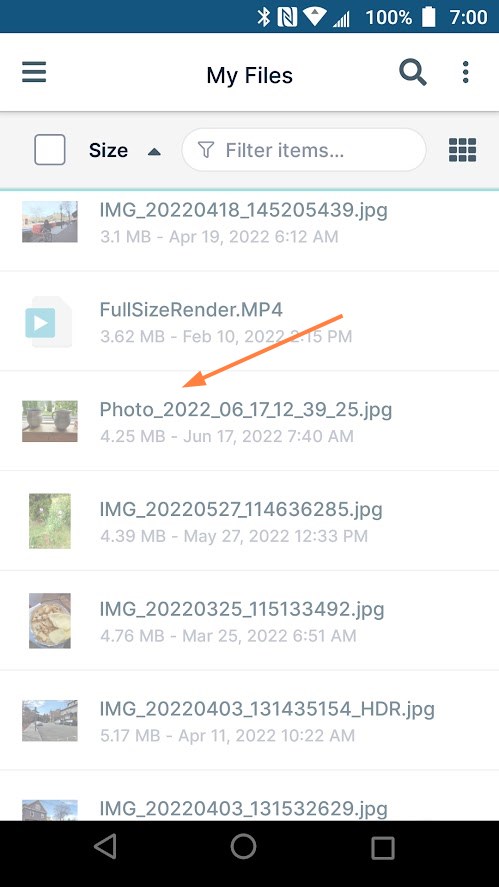
Snap and Save a Picture in Android
While you are working in the FileCloud Android app, you can take a picture and add it to FileCloud as a .jpg file.
- Go to My Files or navigate to a My Files sub-folder.
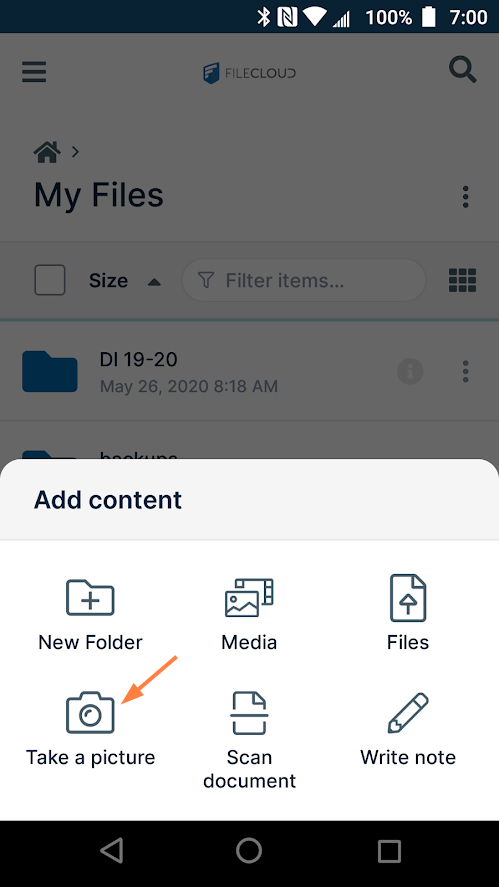
- Tap


Add content options open. - Tap Take a picture.
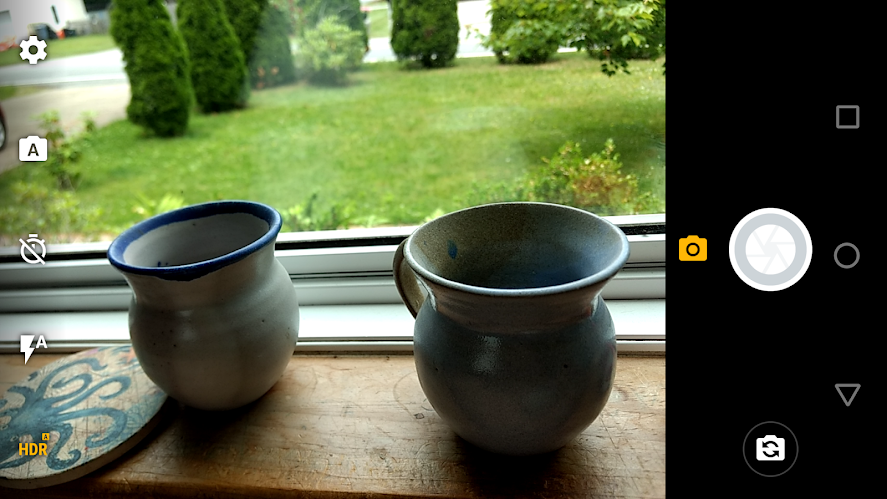
Your phone's camera opens. - Take the photo.
You are notified of the stages in the uploading process.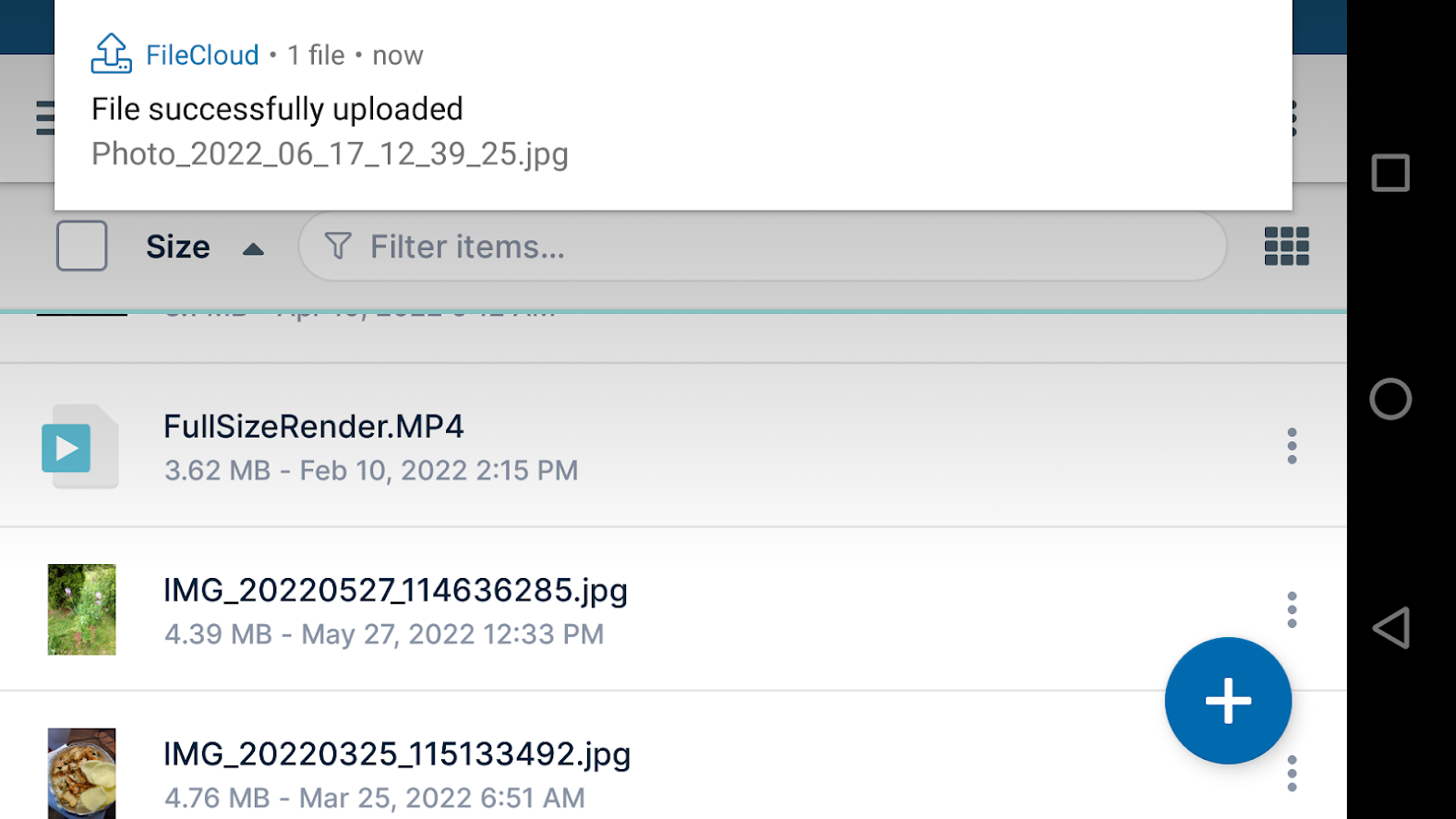
Once upload is complete the file appears in FileCloud.