Sync Logs
If the FileCloud Sync client stops working, you might need to send Sync data logs to Technical Support, so they can help address the issue.
To access log files:
- In your system tray, right-click the Sync icon and click Open.
- In the mini-dashboard, click Dashboard.
- In the main dashboard, click Help.
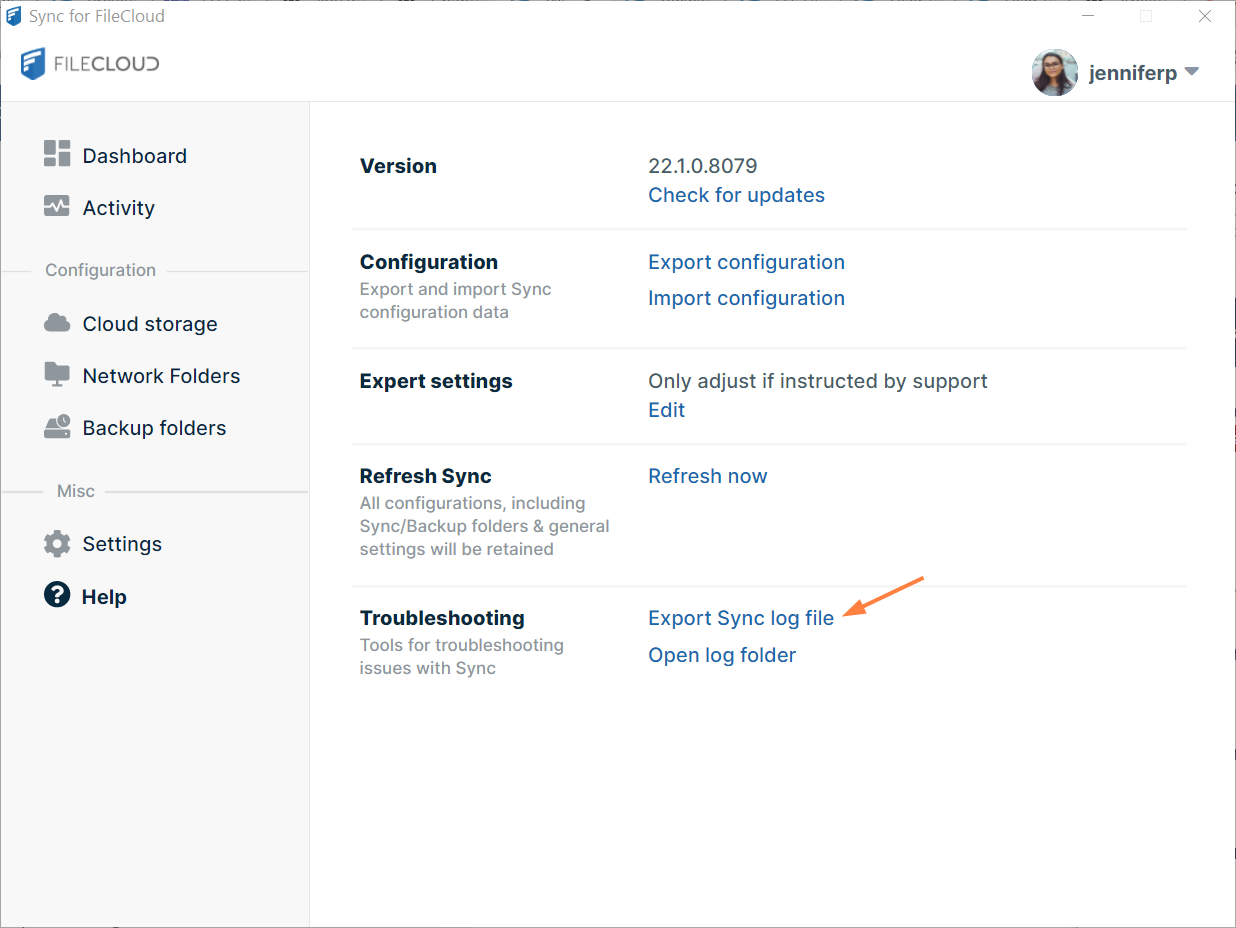
- To get the most recent log file, click Export Sync Log File.
- To get all the log files, click Open Log Folder.
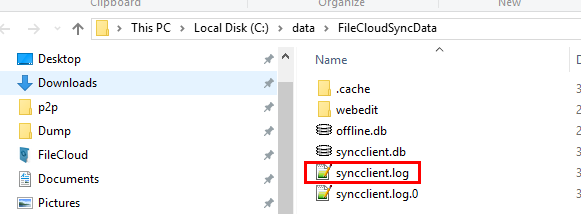
The folder where the synclient.log files are located opens. Sometimes there are multiple syncclient.log files numbered syncclient.log.0, syncclient.log.1, etc. You can copy them all to a zip file and send it via email to support.