
Viewing and Adding Comments in Android
On the Comments tab of the More Information screen, you can view and add comments about the file or folder.
To access the More Information screen, see Viewing File and Folder Information in Android.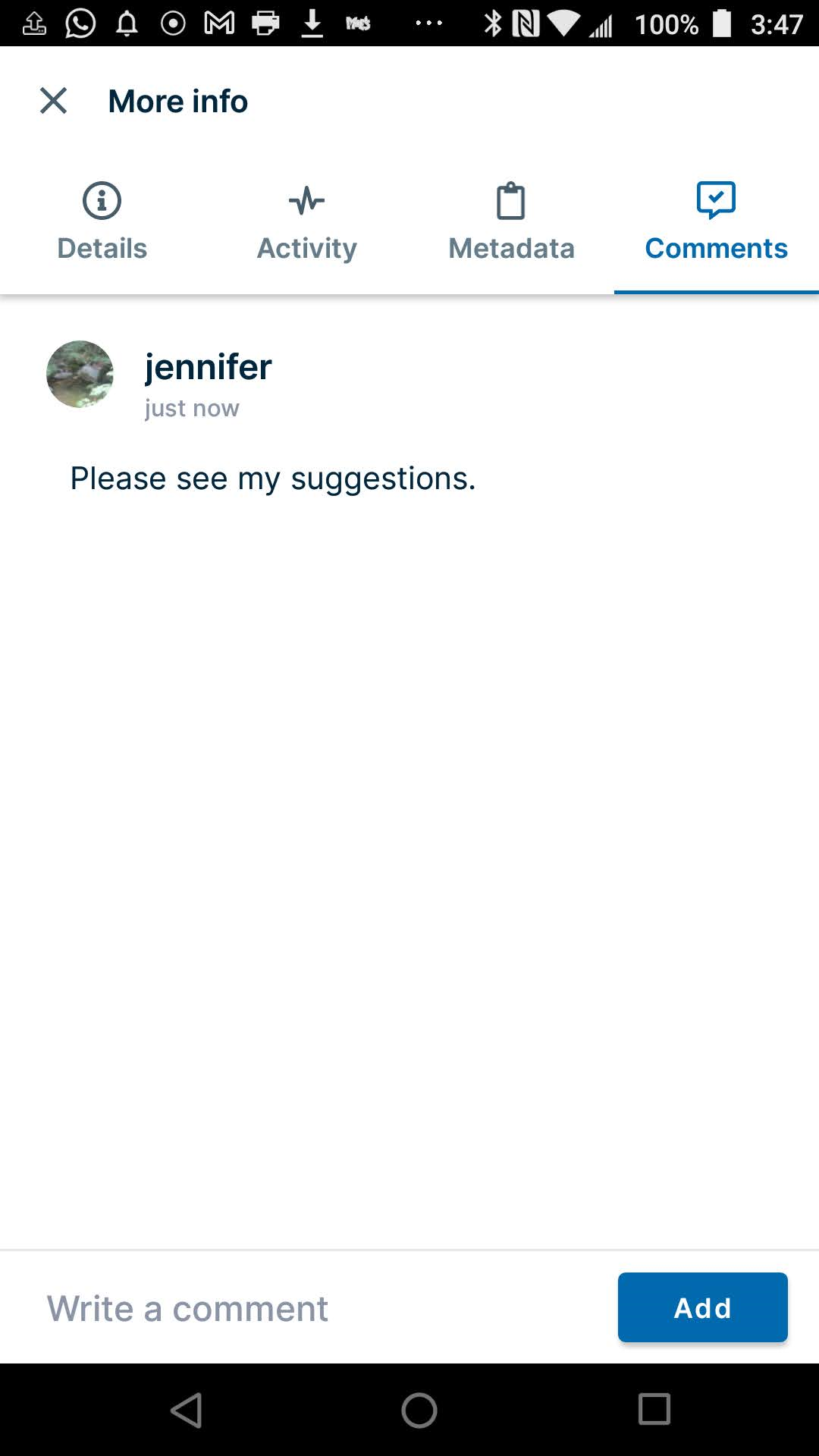
To add a comment to a file or folder, click Add, and enter the comment in the text box.
Note that you cannot tag a user in a comment added in Android as you can when you add a comment in the user portal.