Viewing and Downloading File Versions in Drive
When a file is modified in FileCloud, the original file is saved as the prior version.
In Drive, you can view and download all versions of a file by right-clicking it in content explorer and choosing Show more options > FileCloud Drive > View properties:
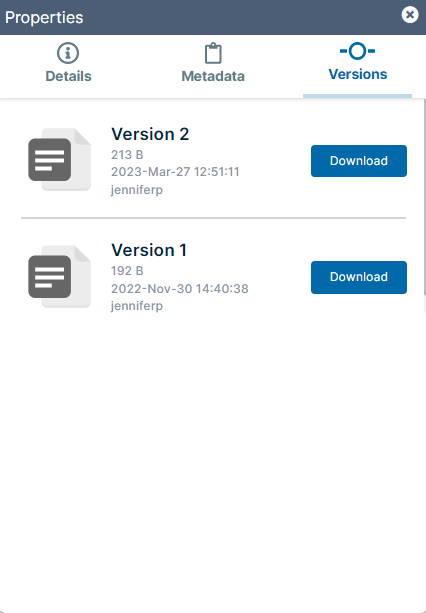
Drive's Properties window opens. Click the Versions tab.
The Versions tab displays each version of the file and enables you to download it.