
Copying the URL of an image file in FileCloud to embed it in HTML
Create a public share of the image file.
For help see Sharing Files and Folders Publicly.- Copy the Share link and paste in another browser.
- Right-click on the image and choose "Copy Image Location".
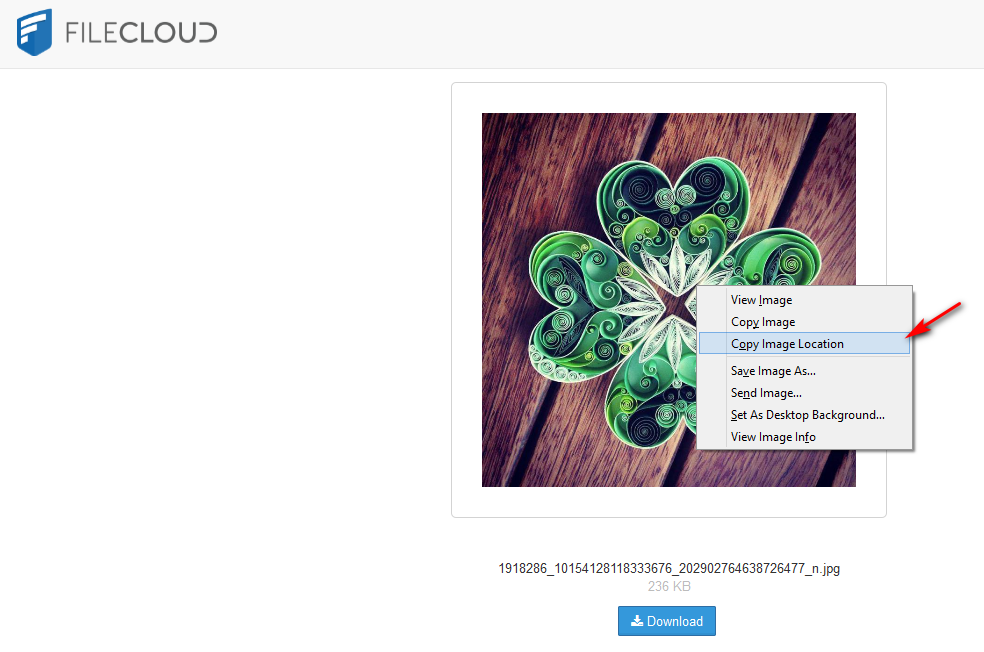
- The link is ready, you can paste the link as required.