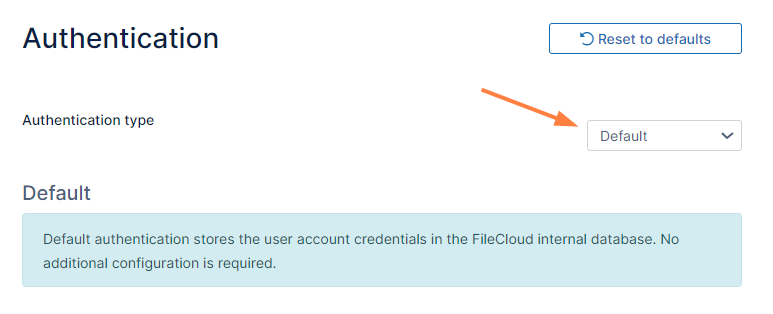
Initially, FileCloud is set to default authentication mode. User accounts created when this authentication type is configured have credentials stored and managed within FileCloud.
To enable Default Authentication:
In the FileCloud admin portal's left navigation bar, scroll down and clickSettings.Then, on theSettingsnavigation page, clickAuthentication . The Authentication settings page opens.
If Authentication type is not already set to Default, change it to Default and click Save.
JavaScript errors detected
Please note, these errors can depend on your browser setup.
If this problem persists, please contact our support.