
Integrity Check Not Working in Linux
An integrity check workflow attempts to determine if the content in a file is different from what is expected for the file's extension.
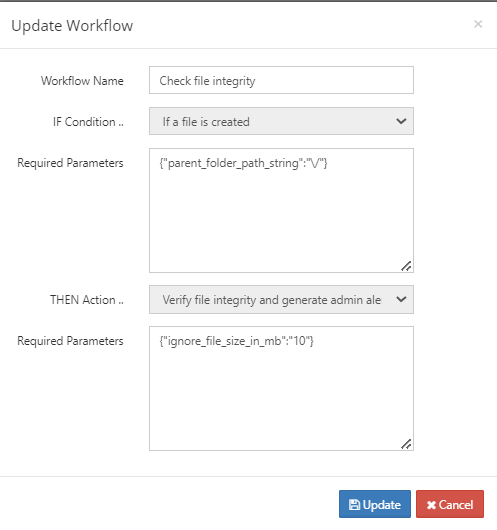
If you are working in a Linux environment, and the logs for the workflow indicate that it cannot detect the file type, the workflow will not be able to perform its integrity check.
This may be due to problems with the locale settings.
To fix this, remove the existing locale and install a new one by entering the following into a command line.
Note: It is important that you include the --no-archive flag.
CODE
rm -f /usr/lib/locale/locale-archive
locale-gen --no-archive
locale-gen --no-archive en_US.utf8
If you are using any additional locale settings, for example, ru_RU.utf8, newly install them as well:
CODE
locale-gen --no-archive ru_RU.utf8