LibreOffice Ubuntu/RHEL Instructions
Installing LibreOffice
You can install LibreOffice on Ubuntu/RHEL during installation.
To install it later, enter the filecloudcp command:
CPP
root@localhost:~# filecloudcp --install-previewConfigure FileCloud with LibreOffice
Follow these steps to enable document preview in FileCloud.
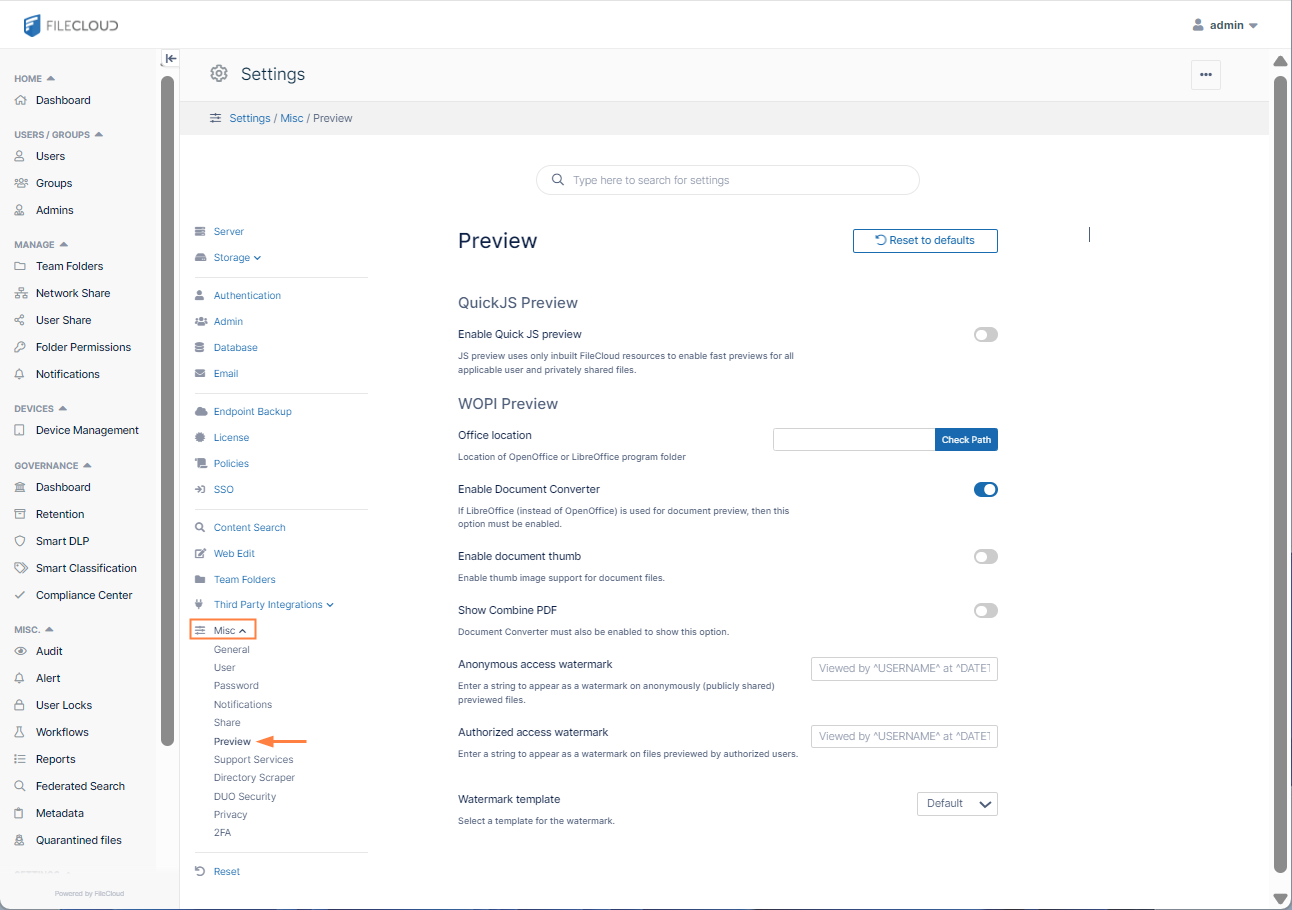
- In the FileCloud admin portal's left navigation bar, scroll down and click Settings. Then, on the Settings navigation page, click Misc

- In the inner navigation bar on the left of the Settings page, expand the Misc menu, and click Preview, as shown below.
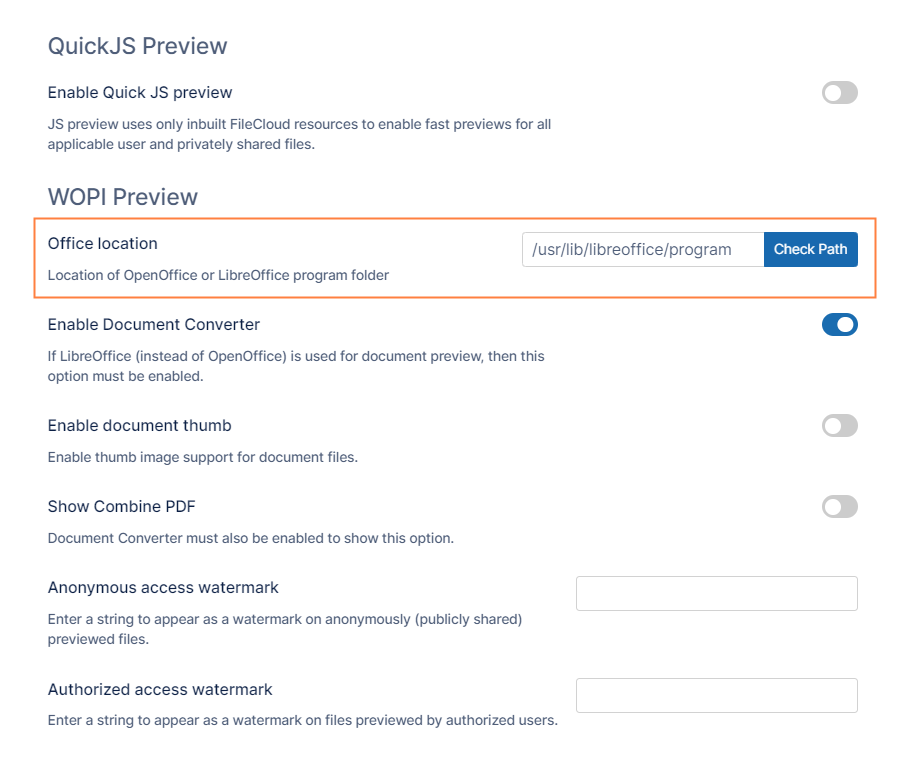
- Enter the path to the LibreOffice program folder.
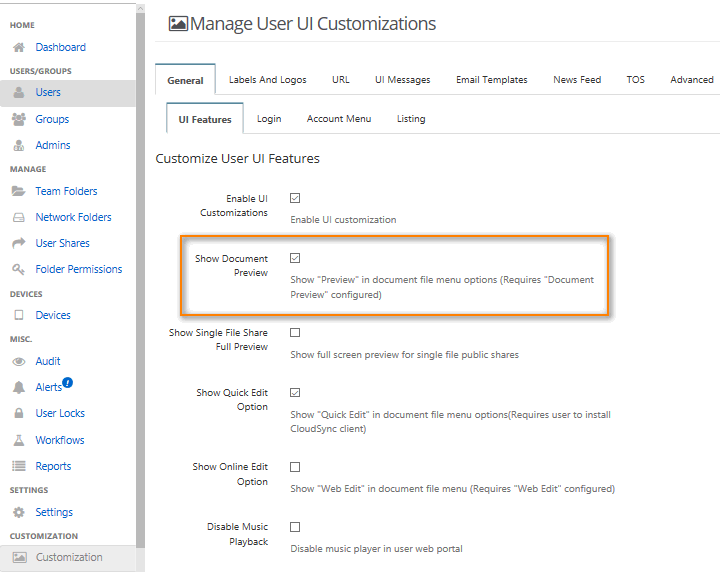
- Click Customization on the left navigation panel.
- Click the General tab.
- Check Show Document Preview.