
Listing FileCloud Users
Listing Users
To list all users in FileCloud:
- Log on to Administration Portal.
- Click on User on the left navigation panel to list all users.
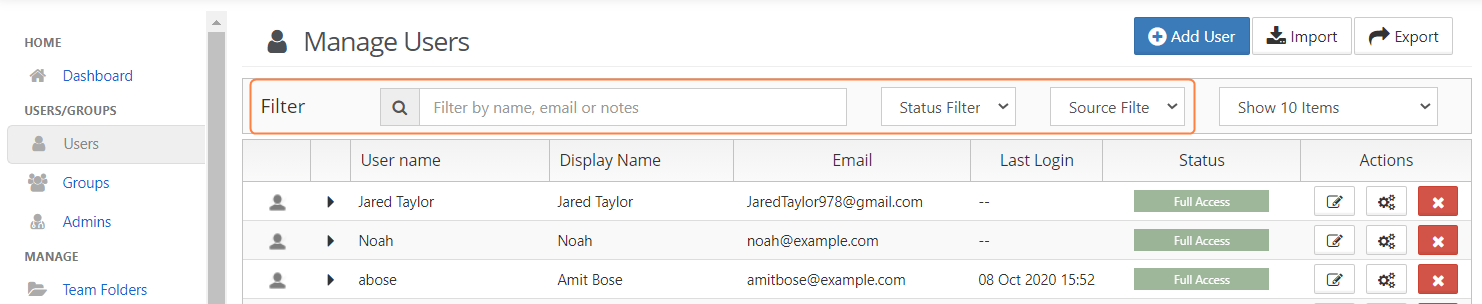
- To find users:
- by name or email,, use the Filter by name, email or notes box.
- by status, use the Status Filter box.
- by source, use the Source Filter box. Options are:
- All - Default. Users in both of the following categories.
- DEFAULT - Users created internally in FileCloud.
- SSO - Users created externally using SSO.
Sorting the User List
Enabling ASCII Sort order for Listings of Users, Files and Folders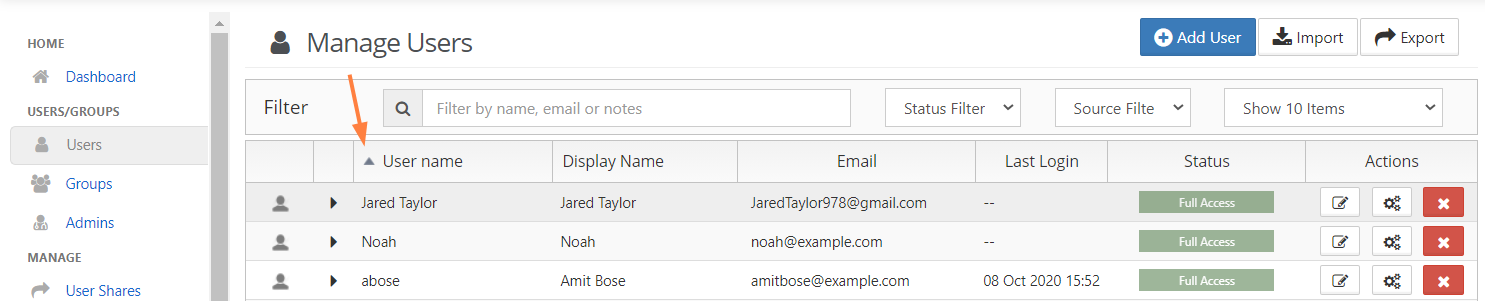
Exporting a list of users
To export a list of FileCloud users:
- In the navigation pane, click Users.
- Click Export in the upper-right of the Manage Users screen.
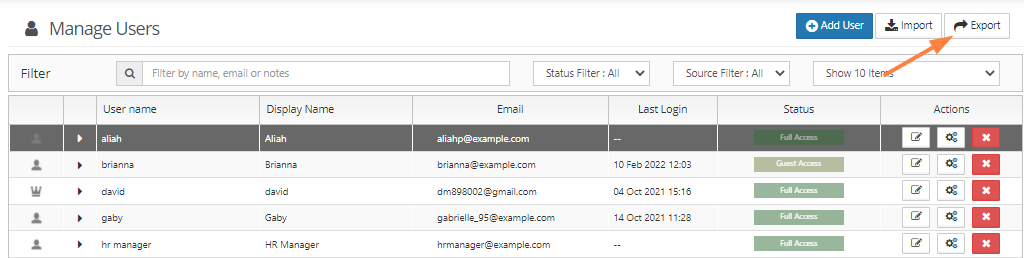
A csv file of users displaying the following fields is exported: