
Logging in with SSO on Android
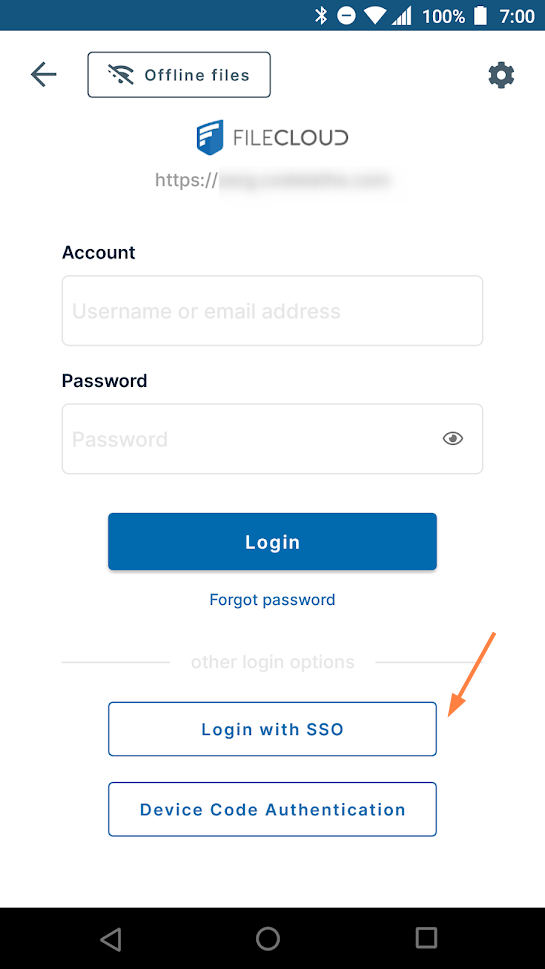
If SSO is set up in your system, you will see a Login with SSO button on the Login screen.
To log in with SSO:
- Click the Login with SSO button.
- You are redirected to your SSO login page.
For example: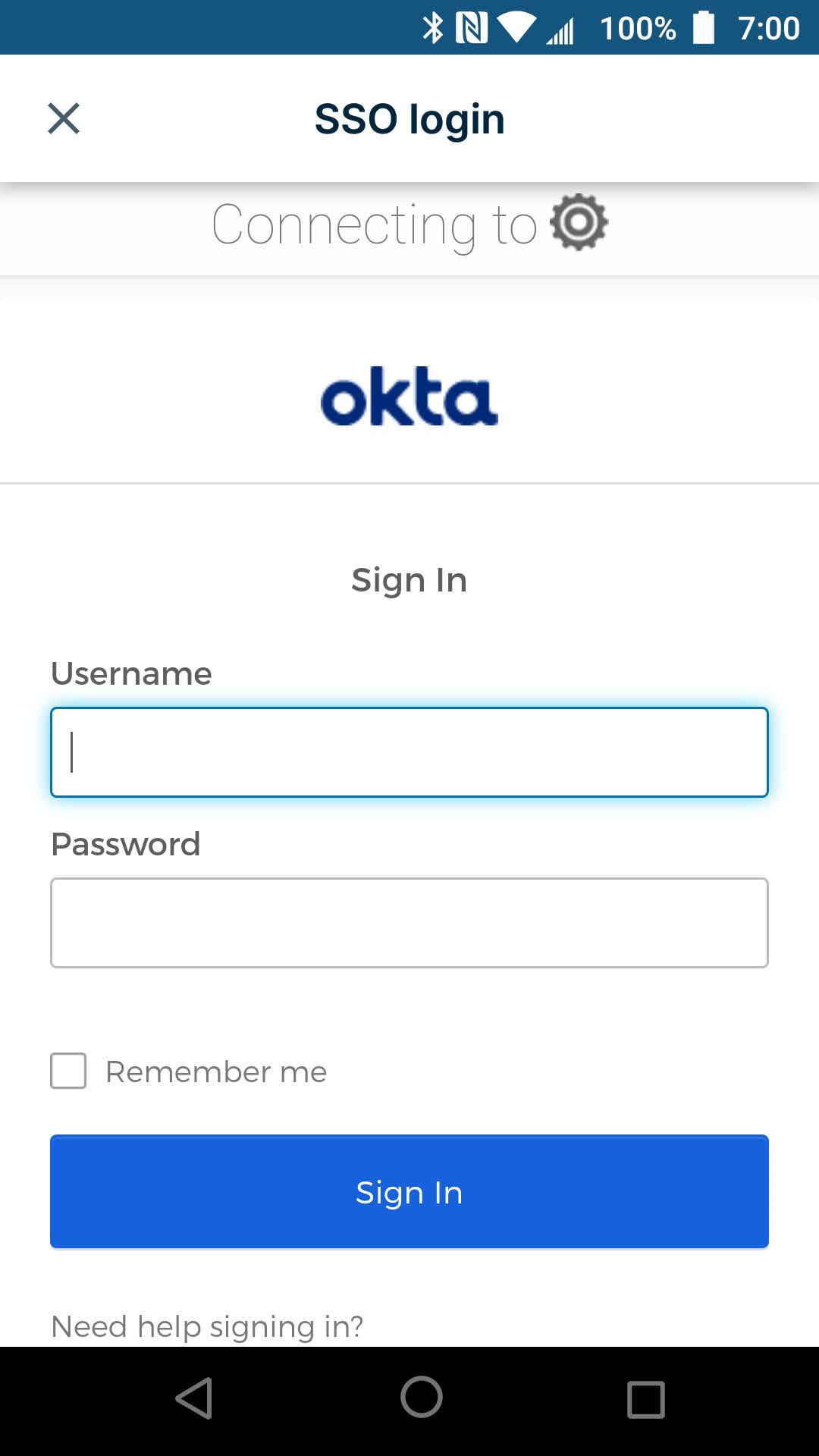
- Enter with your SSO username and password.
You are logged in to FileCloud.