In FileCloud Server, the IP address used when an administrator or user requests data is checked against the IP stored on the session.
This means that the session is invalidated if the user IP address changes (the user is automatically logged out).
For some environments, the IP address change is common and expected.
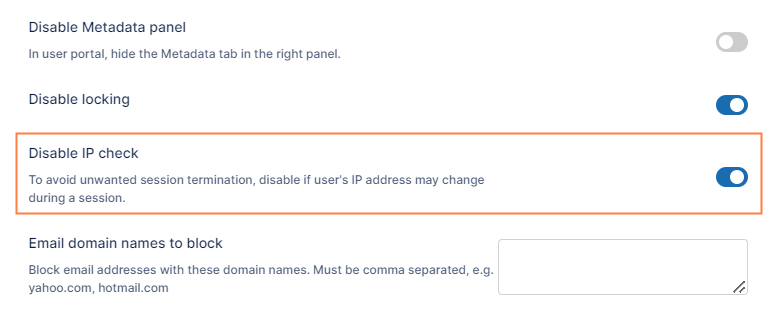
Now there is a setting labeled Disable IP Checkthat allows an administrator to control this behavior.
Enable the setting to disable the IP check on every request. This allows you to avoid IP comparison on cookies.
The use of this option is only recommended if your IP address can change while using the system.
To configure this option:
In the FileCloud admin portal's left navigation bar, scroll down and clickSettings.Then, on theSettingsnavigation page, clickMisc. By default,Generalsettings are opened.
Scroll down to theDisable IP Check checkbox, and enable it.
Click Save.
JavaScript errors detected
Please note, these errors can depend on your browser setup.
If this problem persists, please contact our support.