You can integrate FileCloud with Microsoft Office Onlineto allow your users to edit documents in a browser. FileCloud uses the WOPI protocol for this integration.
Administrators can configure Web Edit in the following ways:
FileCloud can integrate with your Microsoft-hosted Office online server to edit office documents.
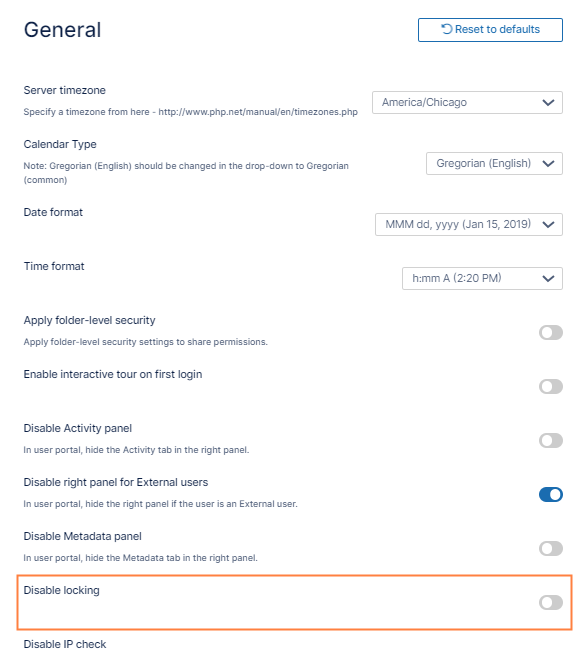
In the FileCloud admin portal's left navigation bar, scroll down and clickSettings.Then, on theSettingsnavigation page, clickMisc. By default,Generalsettings are opened.
Scroll down to the Disable Locking setting, and disable it.
Click Save.
JavaScript errors detected
Please note, these errors can depend on your browser setup.
If this problem persists, please contact our support.