Periodic Script Workflow
This workflow recipe runs a specified command at a periodic interval.
- This requires you to set up cron job or task scheduler to run the command.
- The frequency depends on the cron or task scheduler frequency you set
To create a workflow that performs a periodic script:
- Login to Admin Portal
- Navigate to Workflow on the left navigation
- Tap on the Add Workflow button
- Set the If Condition " Perform an action periodically "
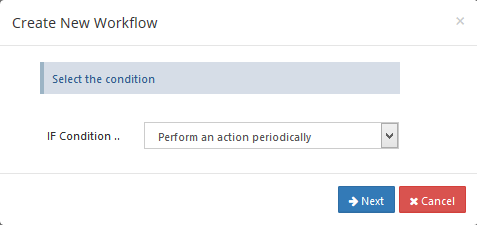
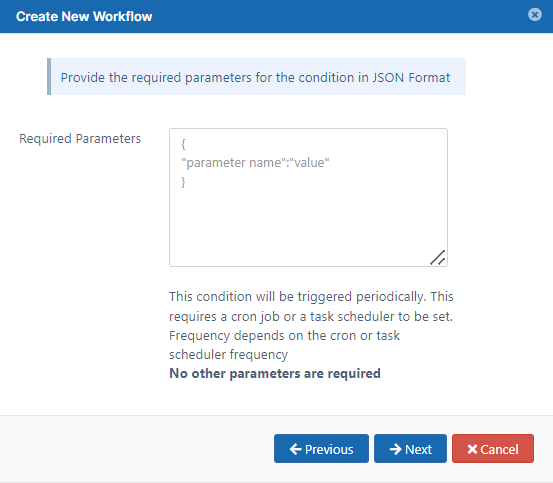
- Click on Next, This condition does not require any parameters
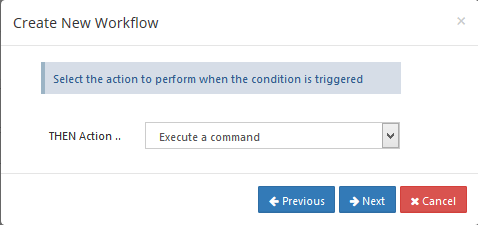
- Set the Then Action "Execute a command"
Enter the required Command
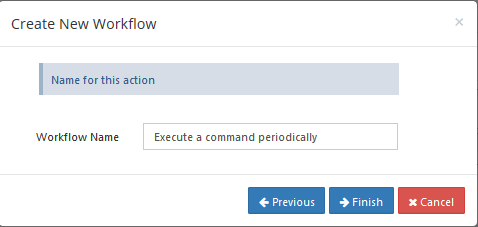
CODEeg:- { "command_line":"ls" }ls - will list all the folders and files.Enter the Workflow name and Finish.
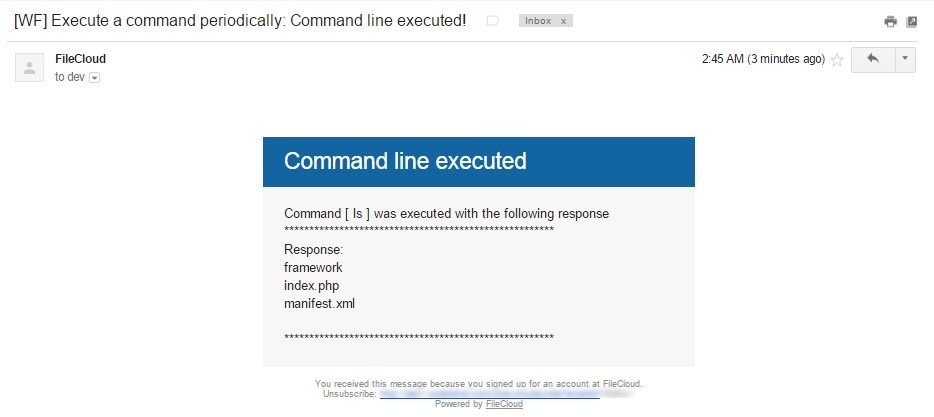
A notification email will be sent to the Admin, with the response information of command line execution.