
Play Back iOS Audio Files
The following formats are supported natively for playback in the FileCloud iOS app:
- .mp3
- .m4a
- .flac
- .aac
- .wma
- .wav
- .m4b
- .ogg
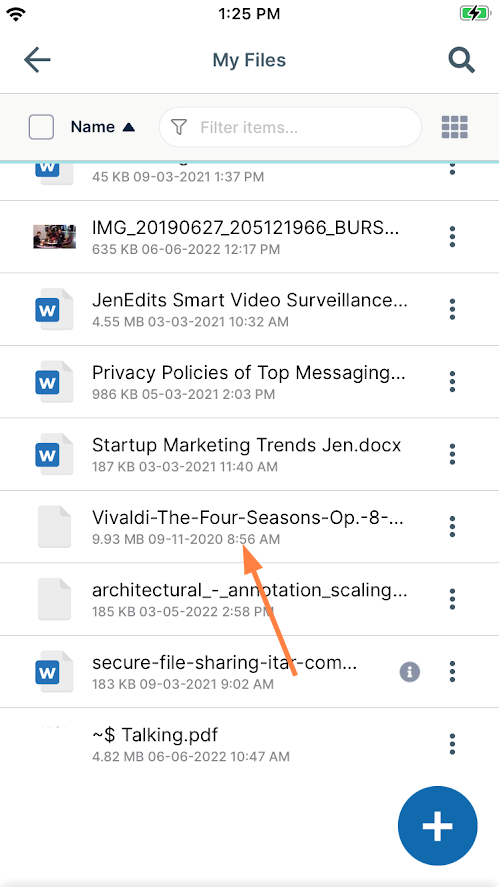
To play back an audio file:
- Tap on the file.
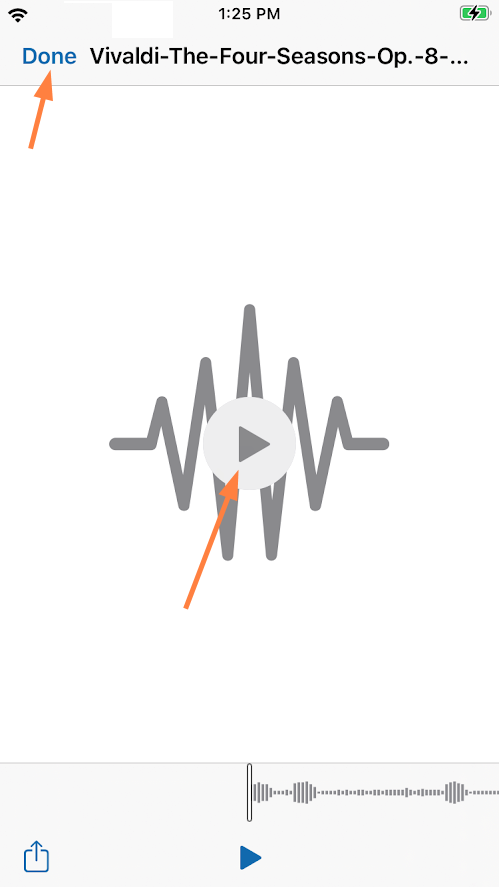
The file opens in an audio player. - Tap the play button to play the audio file.
- Tap Done to return to its FileCloud folder.
You can also play back an audio file by opening it in a third-party app of your choice. See the instructions for opening a file from another application in the topic FileCloud iOS Integration with 3rd Party Apps.