
Proxy Server for FileCloud Drive for Mac
FileCloud Drive for Mac can use proxy server to connect with FileCloud server.
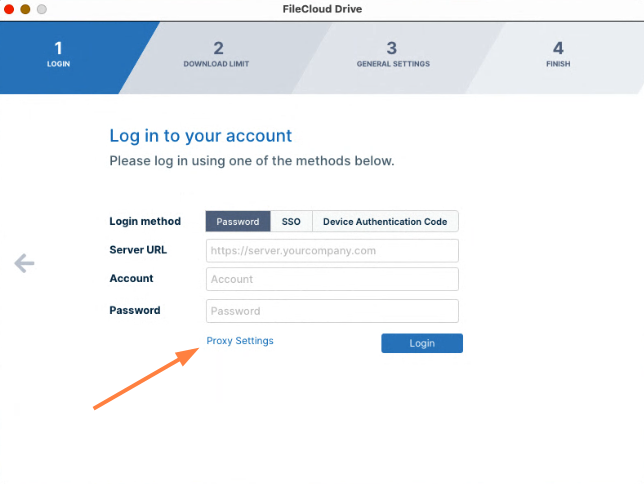
The information should be supplied when you log in to Drive for Mac.
- Click Proxy Settings to open the Proxy settings dialog box.
The Proxy settings dialog box opens. - Fill in the fields and click Save.
- To log in to FileCloud, click Login.