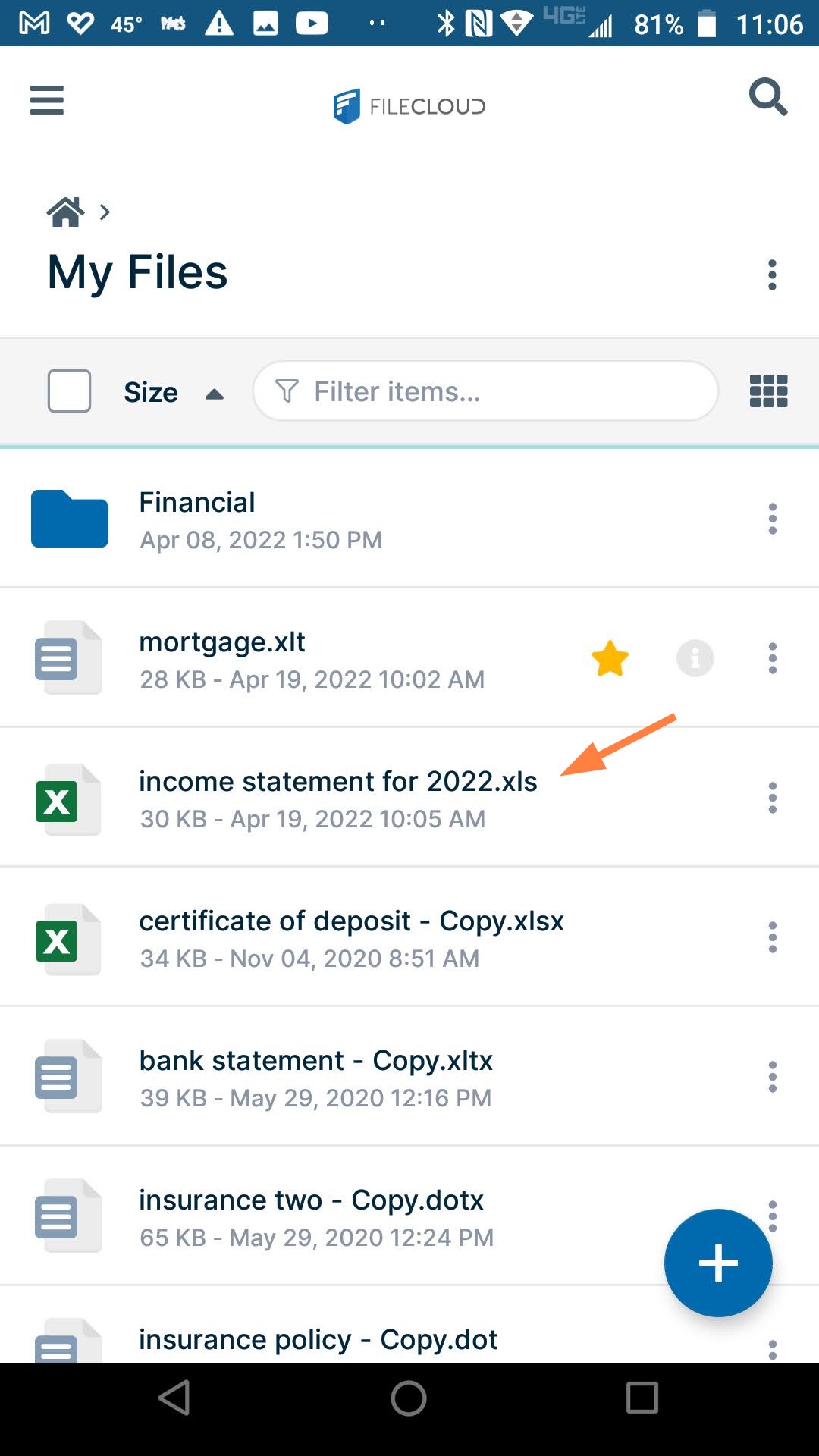
Rename Files or Folders in Android
To rename files or folders:
- Open the FileCloud App.
- Navigate to the file or folder you want to delete.
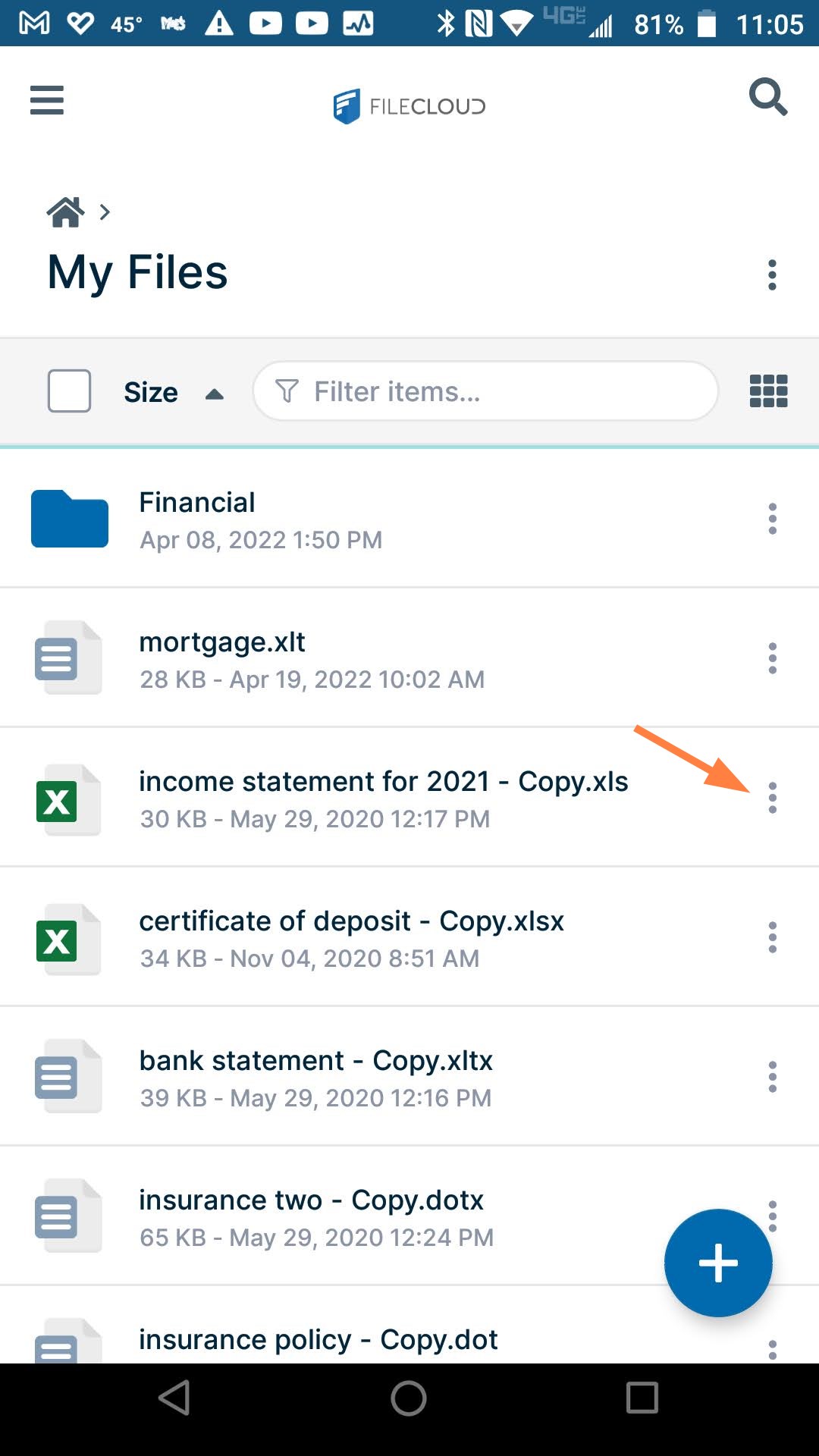
- Tap the more (three dot) icon next to the file or folder.
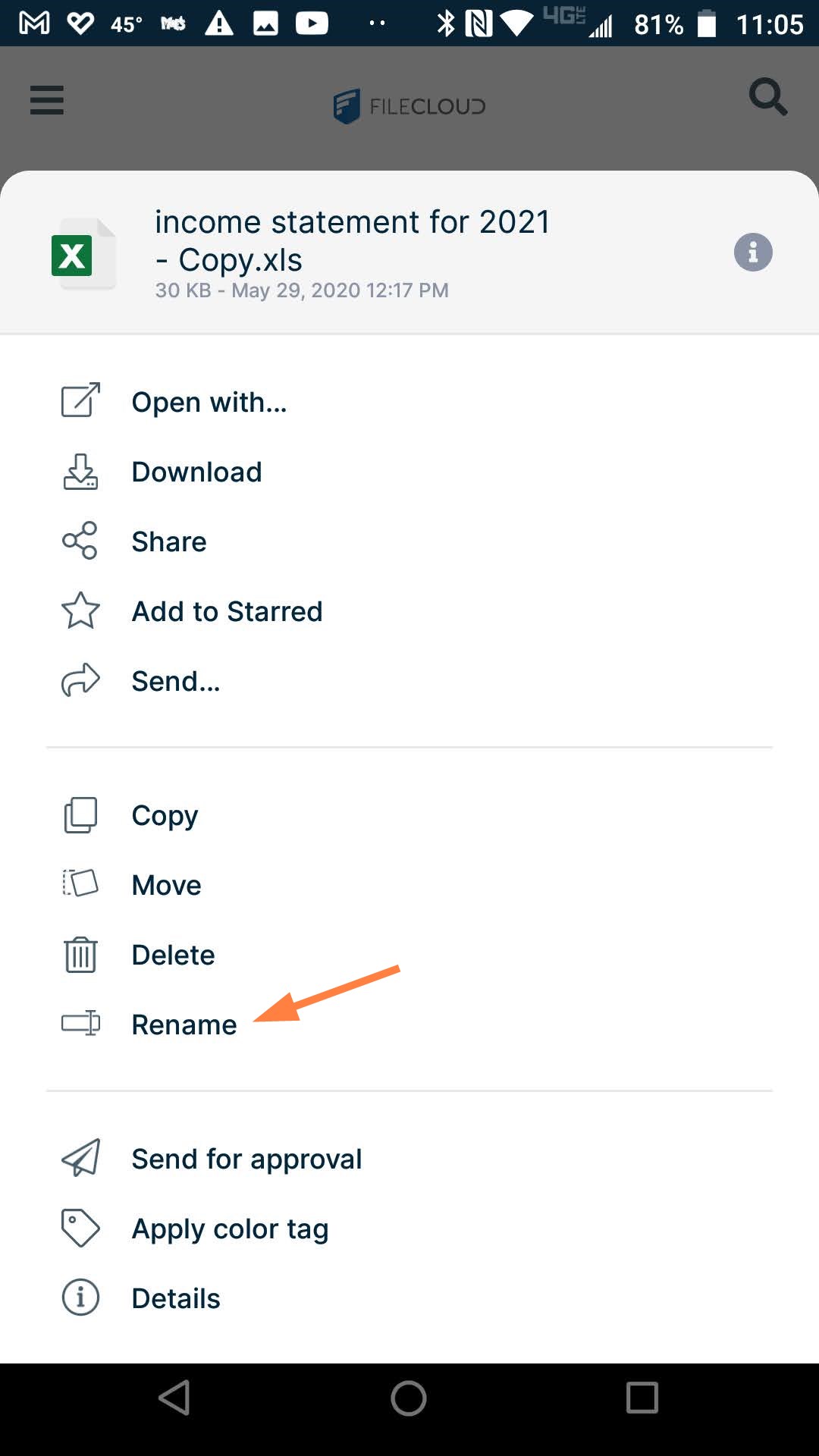
- Tap Rename.
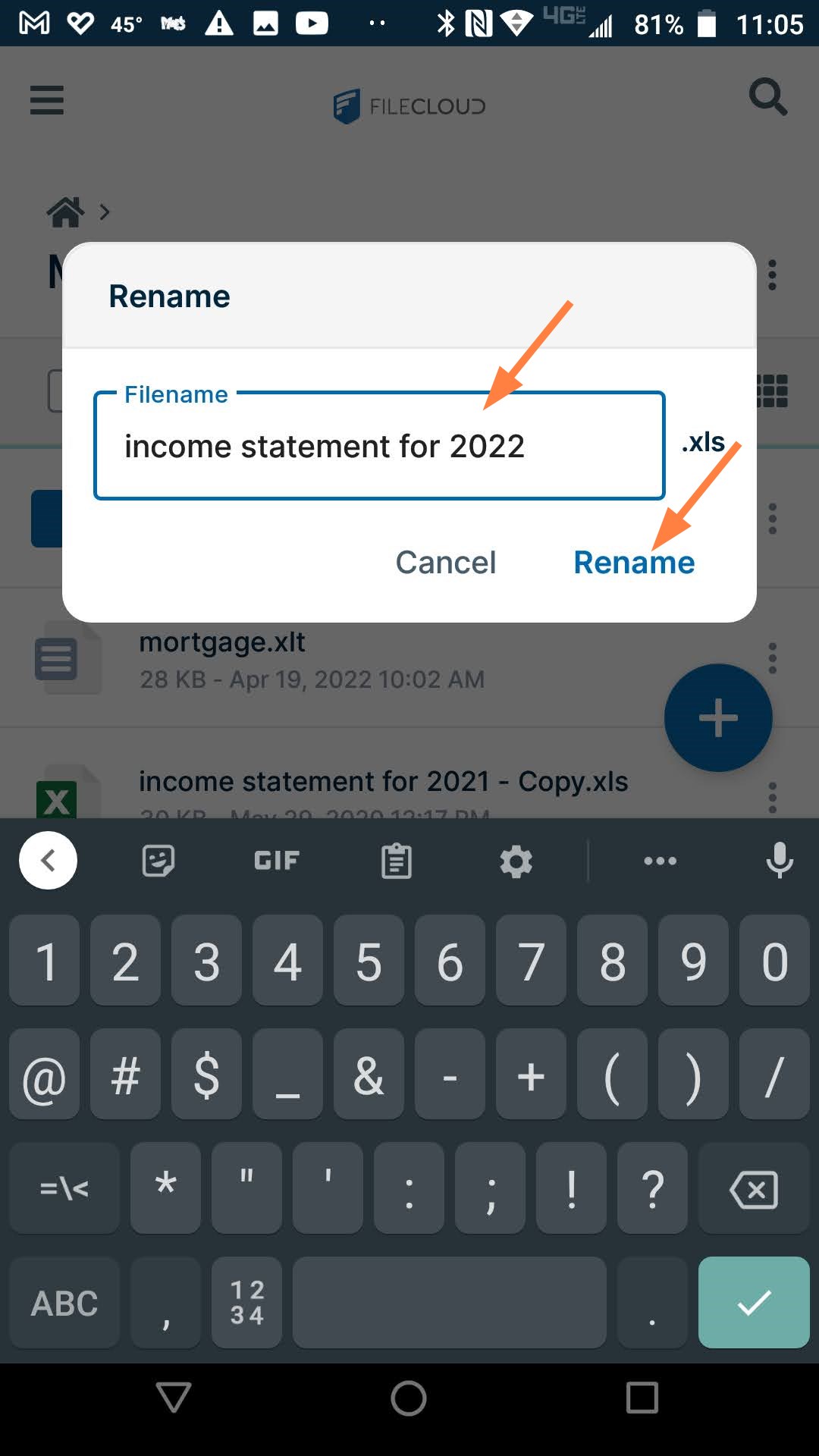
- Enter the new filename, and tap Rename.
The file or folder is renamed.