
Use SSL on Windows
- Use SSL on Windows to establish an encrypted link between the FileCloud server and a client browser.
- This link ensures that all data passed between the web server and browsers remains private and integral.
- SSL is an industry standard and is used by millions of websites in the protection of their online transactions with their customers.
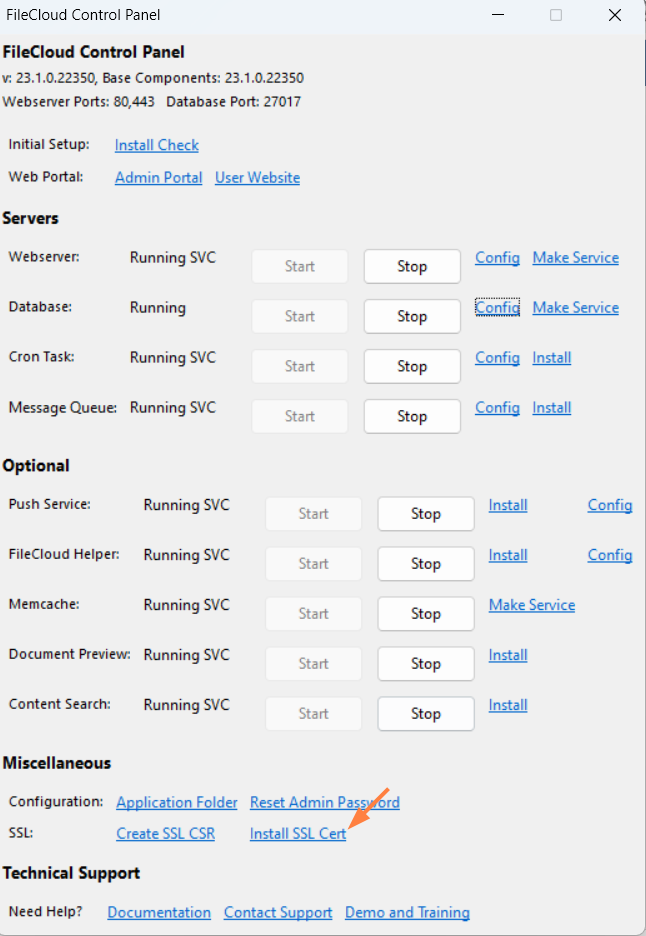
After you install the SSL certificate on your Apache web server, no additional configuration is required in FileCloud. Once the certificate is installed, all connections between the FileCloud Server and clients are secured over SSL.
To Use SSL on Windows:
- Create a CSR in the FileCloud Control Panel.
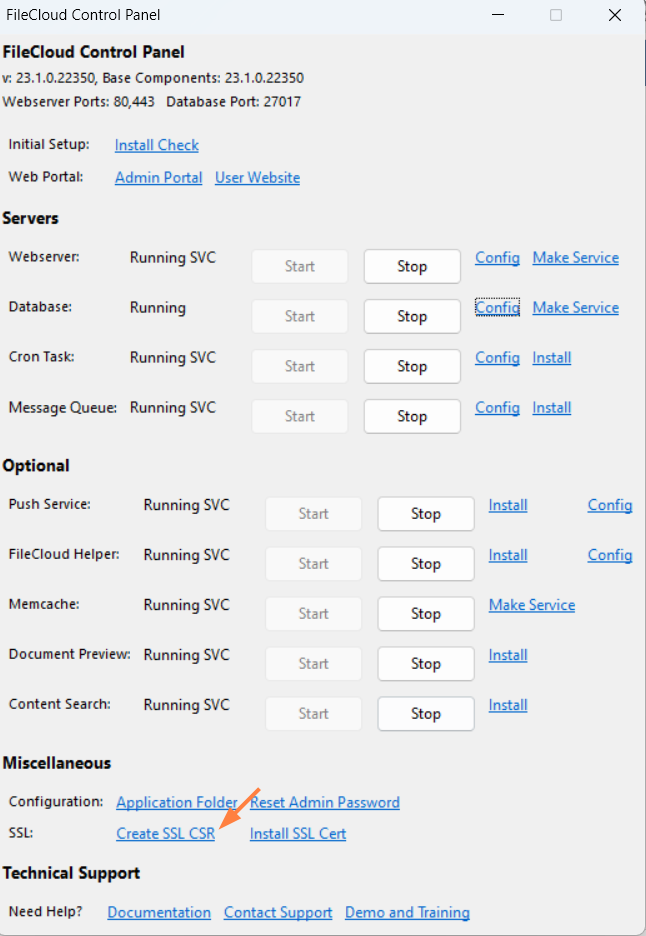
- Submit the CSR to your SSL provider.
- The provider verifies and issues an SSL certificate. You may be given options to download the SSL certificate as a bundle certificate or as a main and bundle certificate. If you are given both download options, download both. If you are given one download option, download that.
- Follow the HTTPS Best Practices for FileCloud.
If you encounter issues using the FileCloud control panel, you can: