Skip table of contents

Viewing File and Folder Information in Android

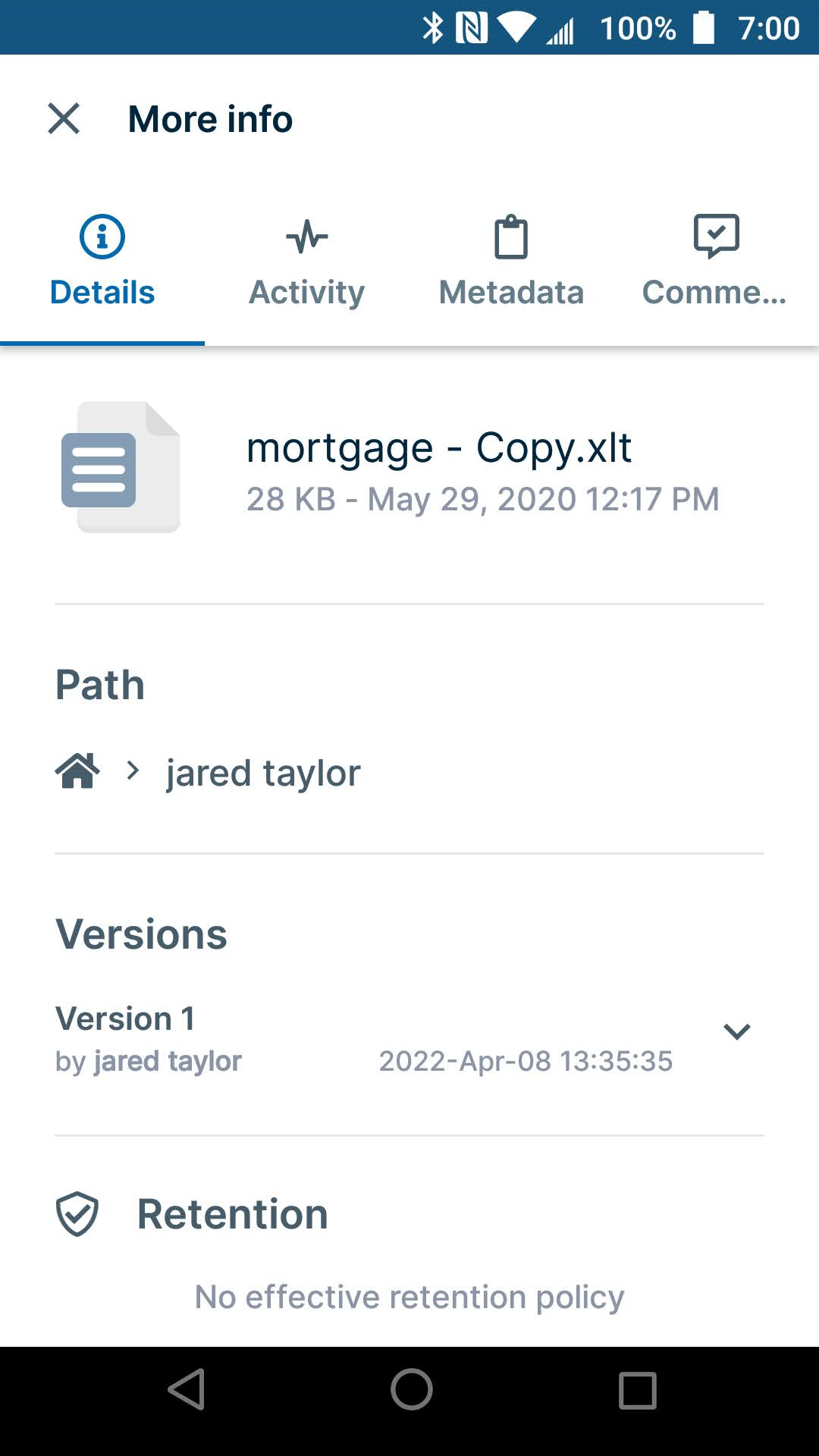
You can view general information including version and retention policy details, as well as activities, metadata, and comments for each file and folder in Android.
How to access details tabs for a file or folder

There are two ways to access the details tabs for a file or folder.
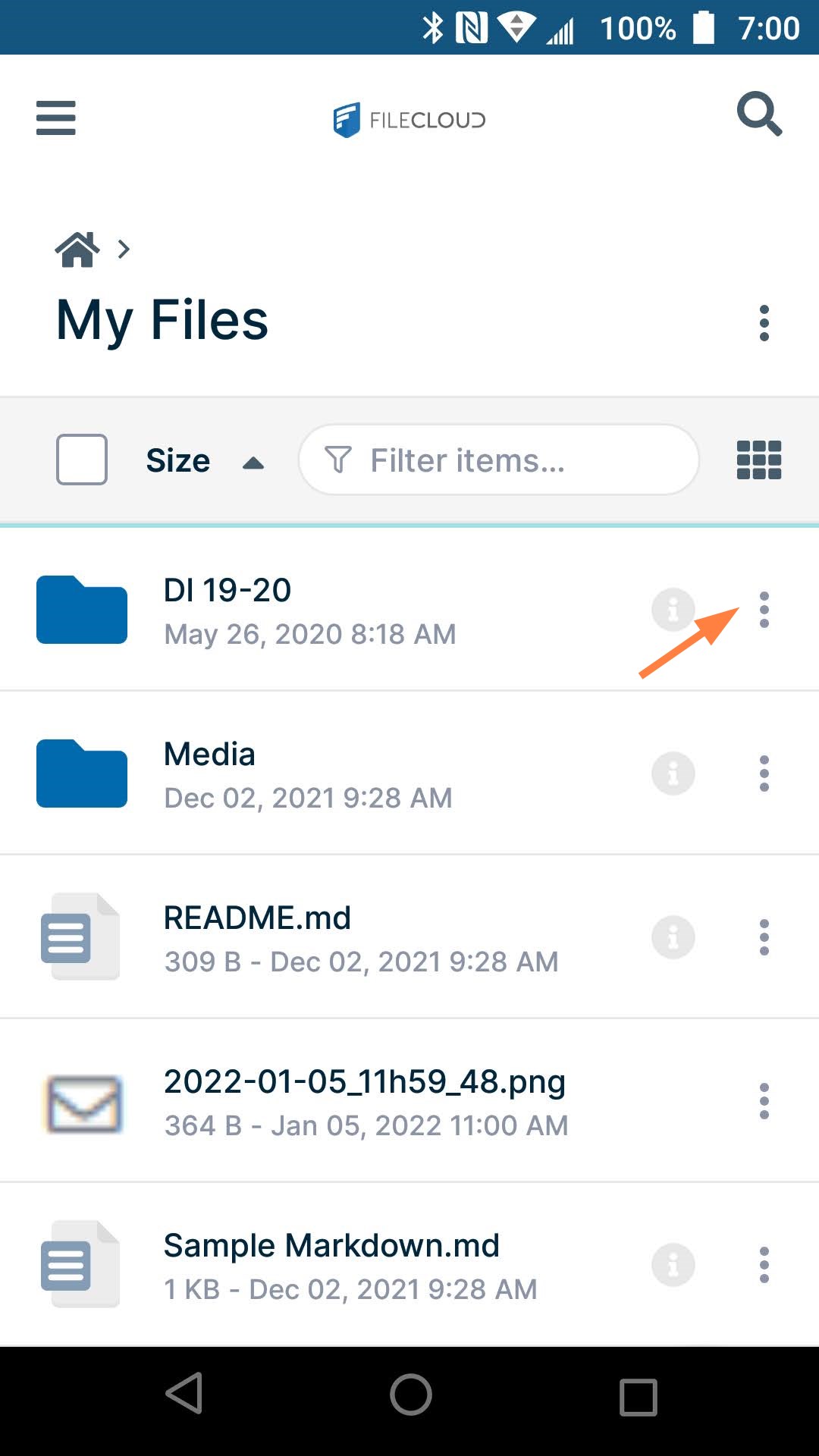
Click the more icon
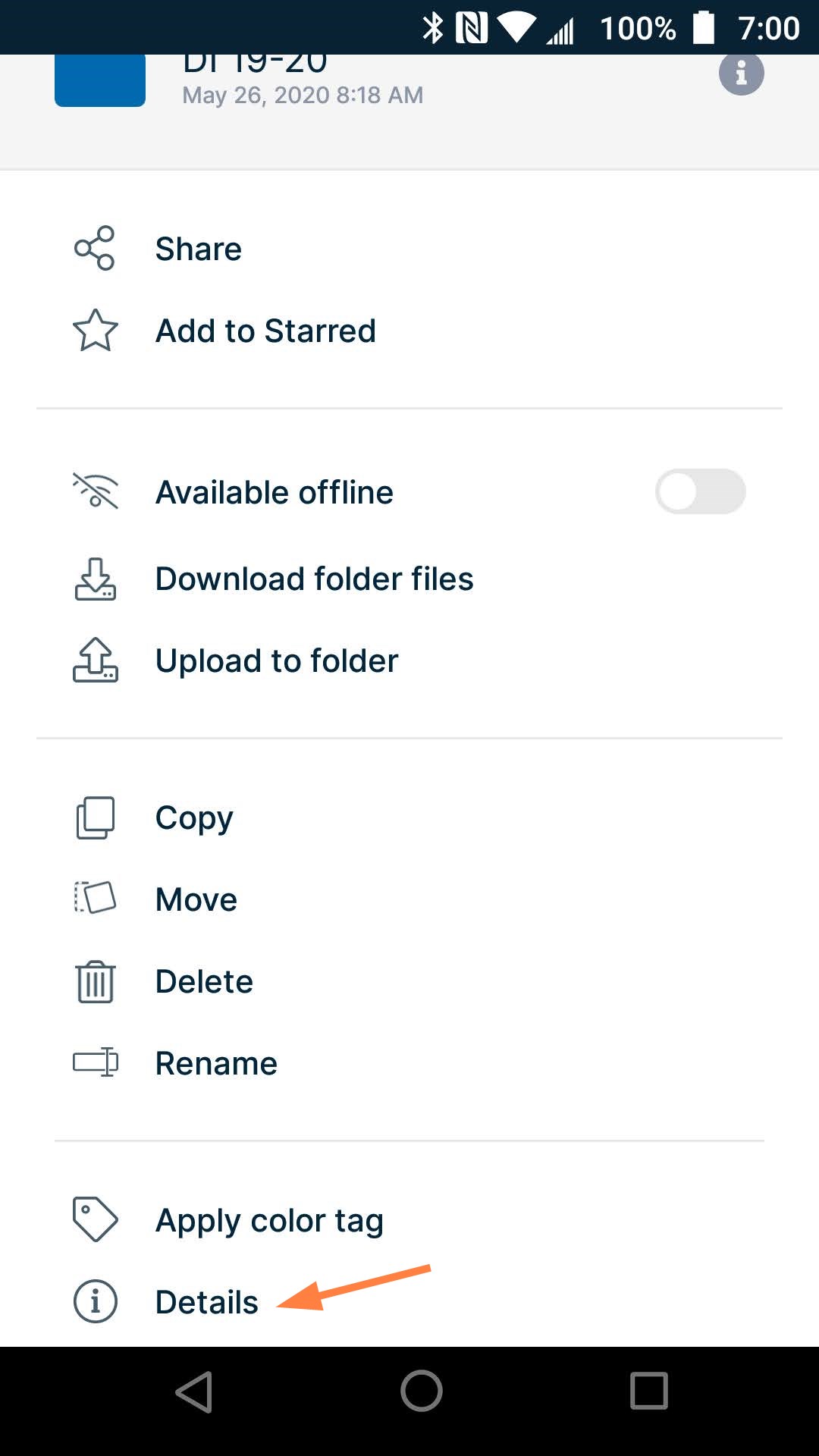
  1. For any file or folder, click the more (3 dot) icon next to the file or folder.

    A list of options opens.
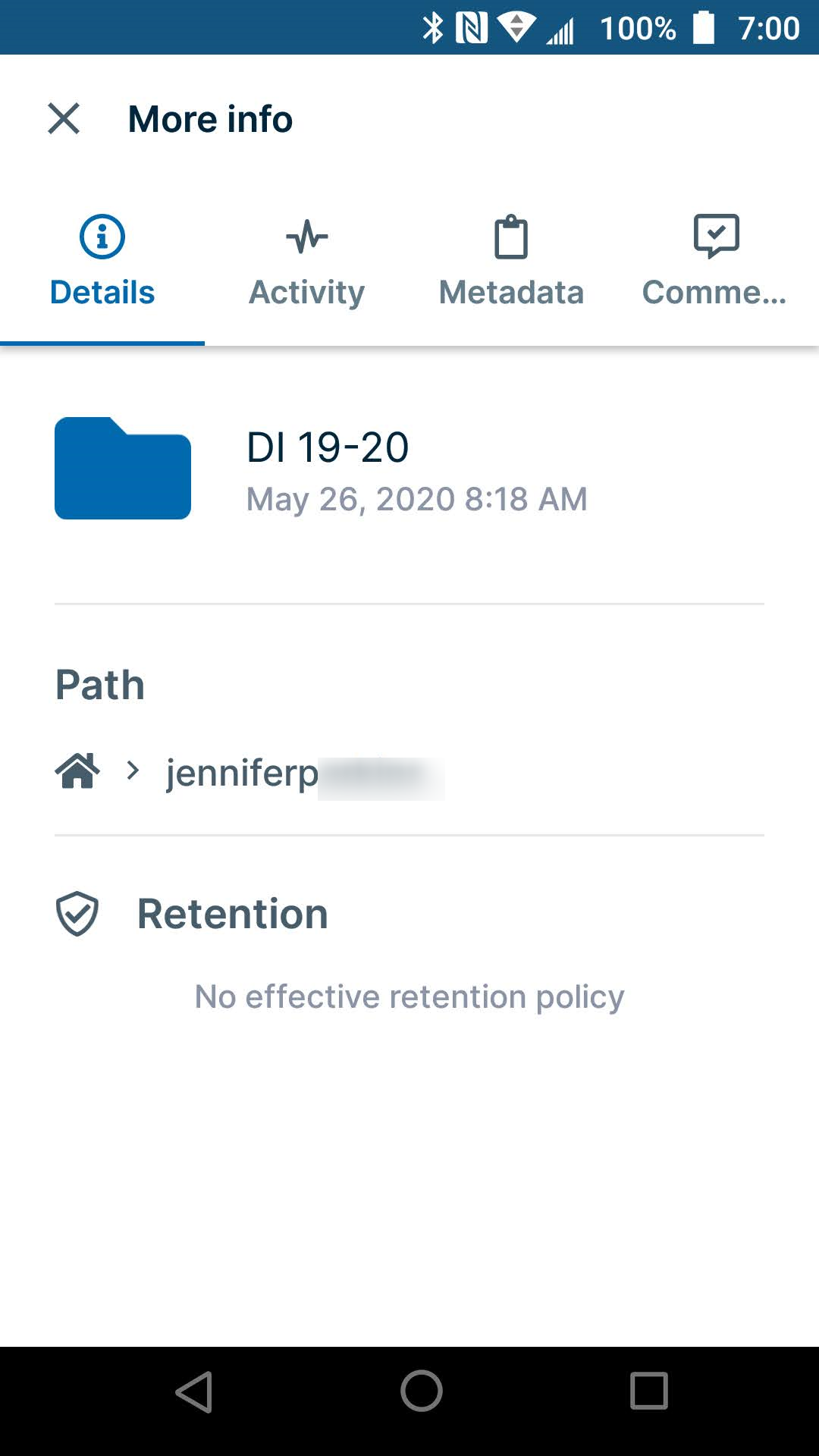
  2. Click Details.

    The More info screen opens. From there, you can browse the information on the Details, Activity, Metadata, and Comments tabs.


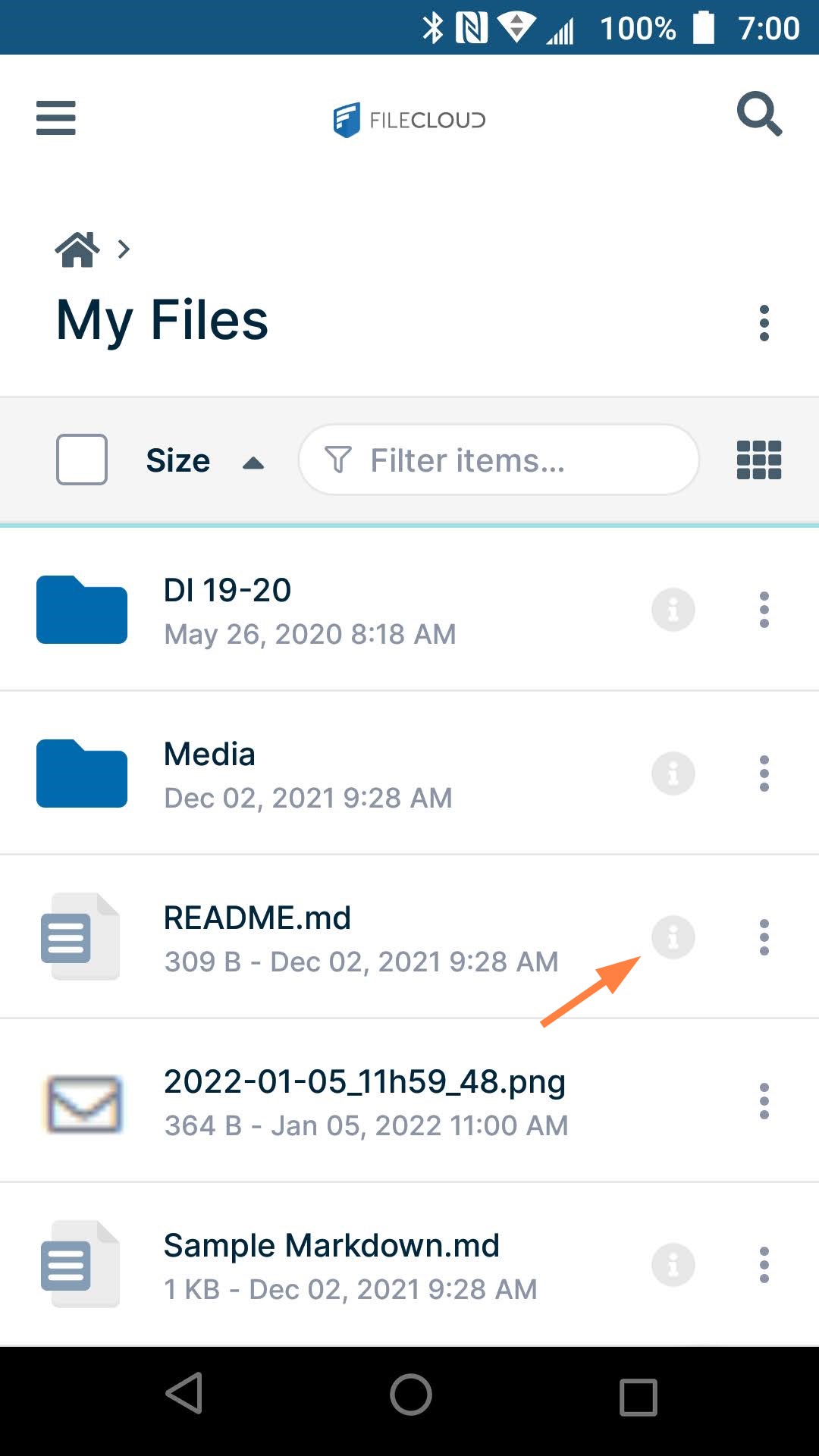
Click the information icon

This method is a shortcut, but is only available for some files and folders.

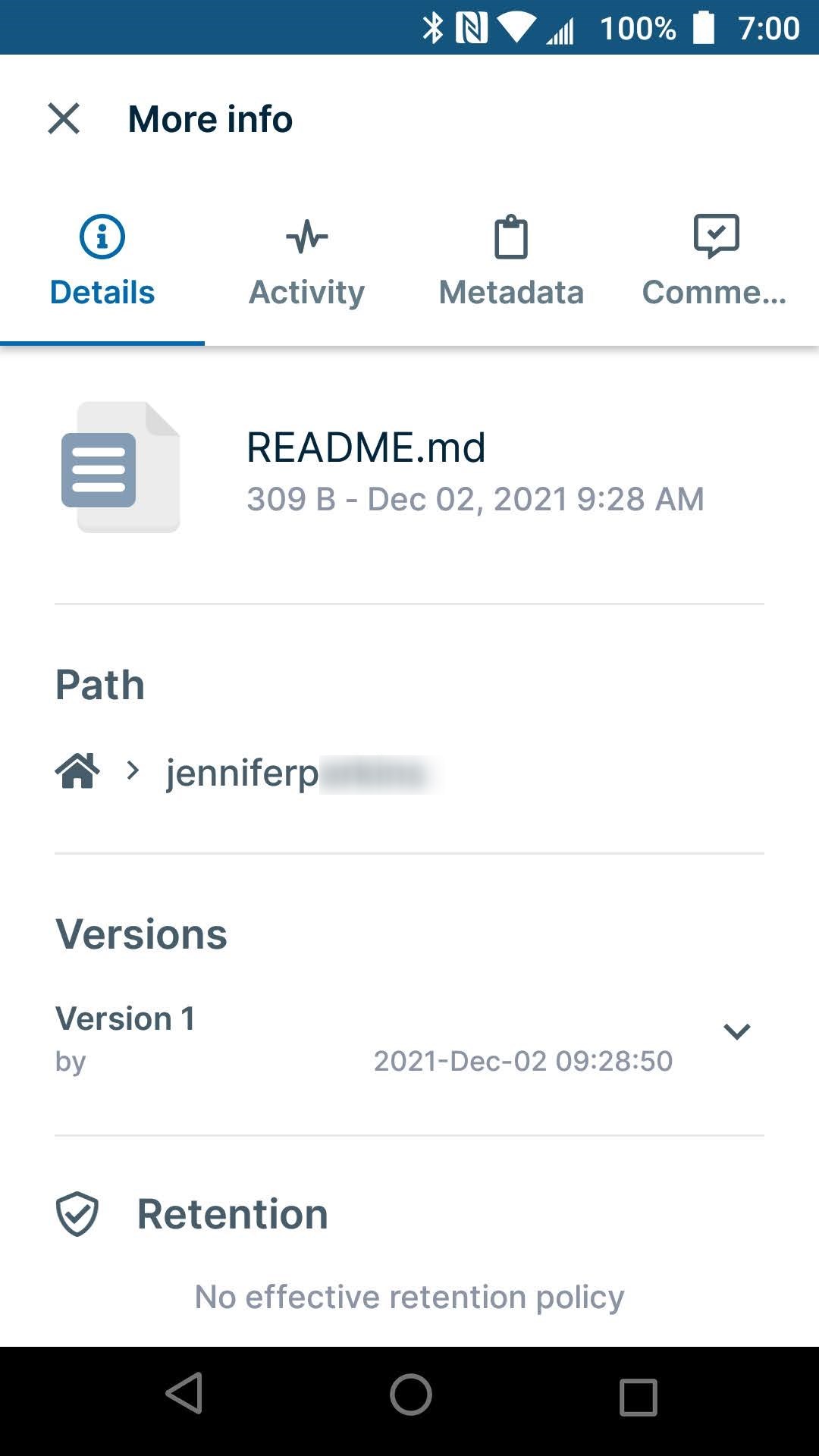
If the file or folder has an information icon next to it, click the icon.


The More info screen opens. From there, you can browse the information on the Details, Activity, Metadata, and Comments tabs.


JavaScript errors detected

Please note, these errors can depend on your browser setup.

If this problem persists, please contact our support.