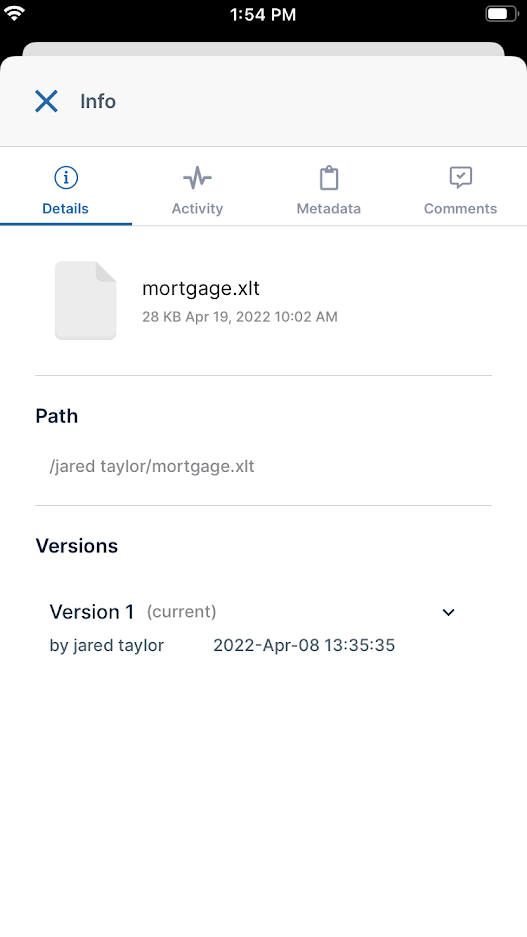
Viewing File and Folder Information in iOS
You can view general information as well as activities, metadata, and comments for each file and folder in iOS..PNG?inst-v=905ec3ff-f772-42a7-ab10-adb3d35ec823)
How to access details tabs for a file or folder
There are two ways to access the details tabs for a file or folder.
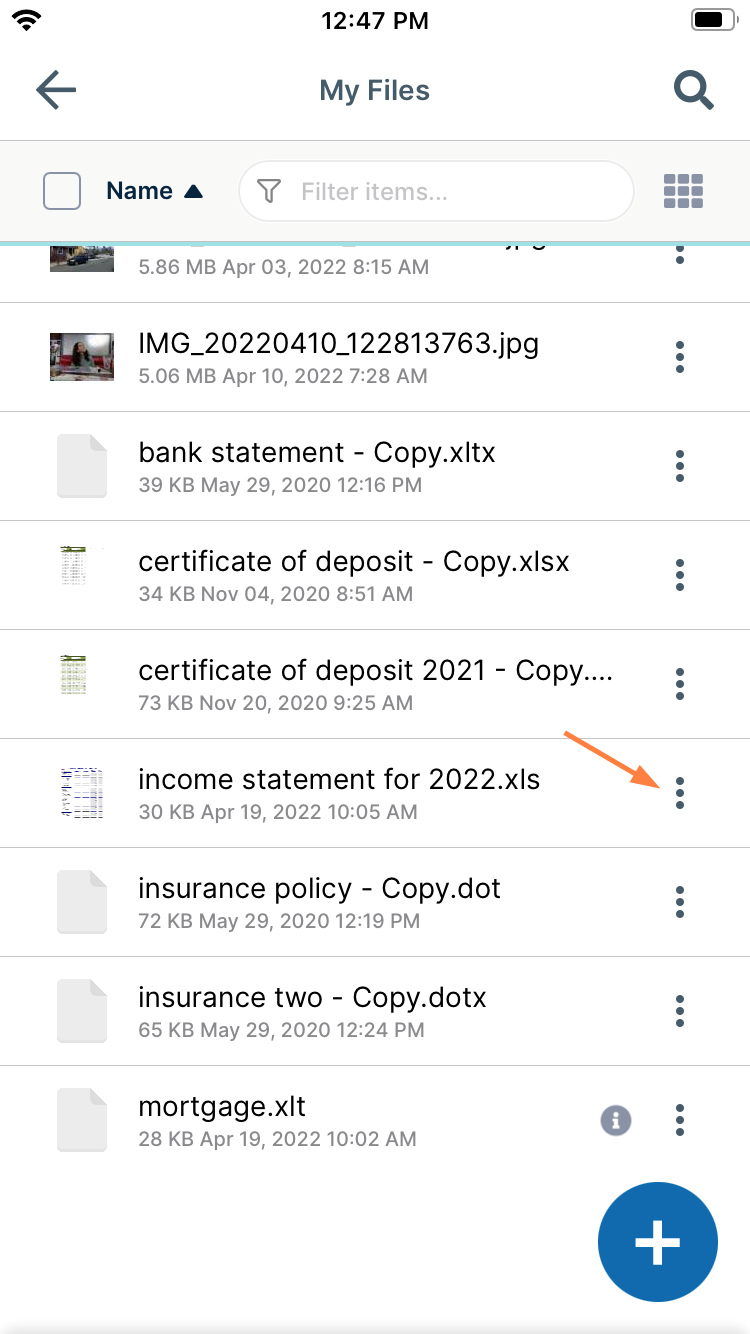
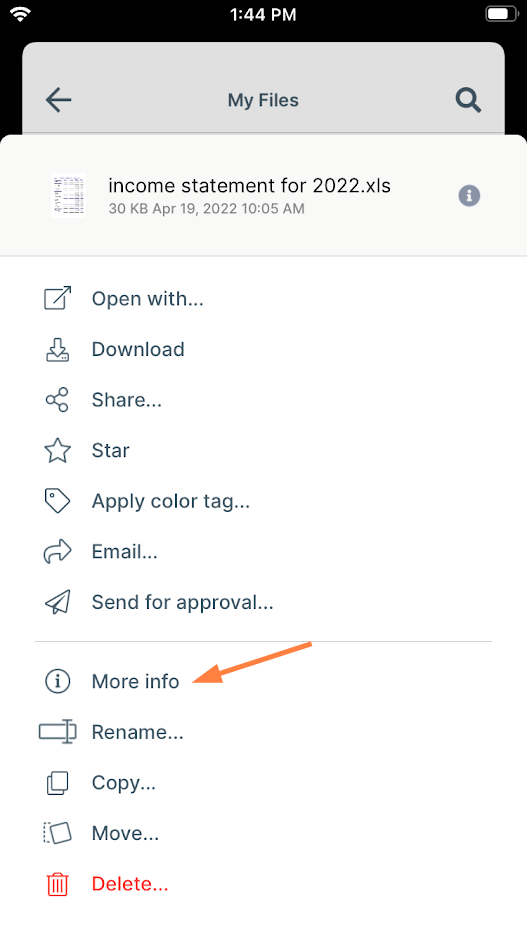
This method is a shortcut, but is only available for shared files and folders, which have the information icon next to them.
If the file or folder has an information icon next to it, tap the icon.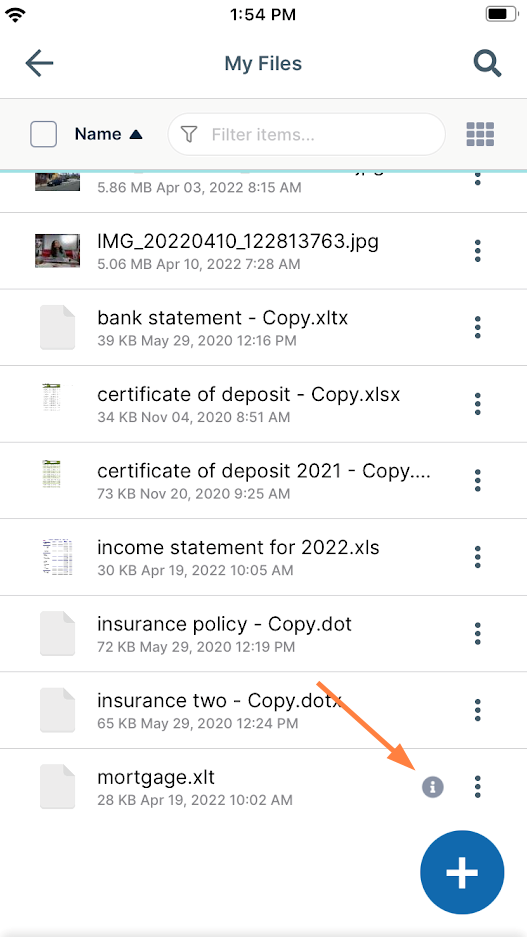
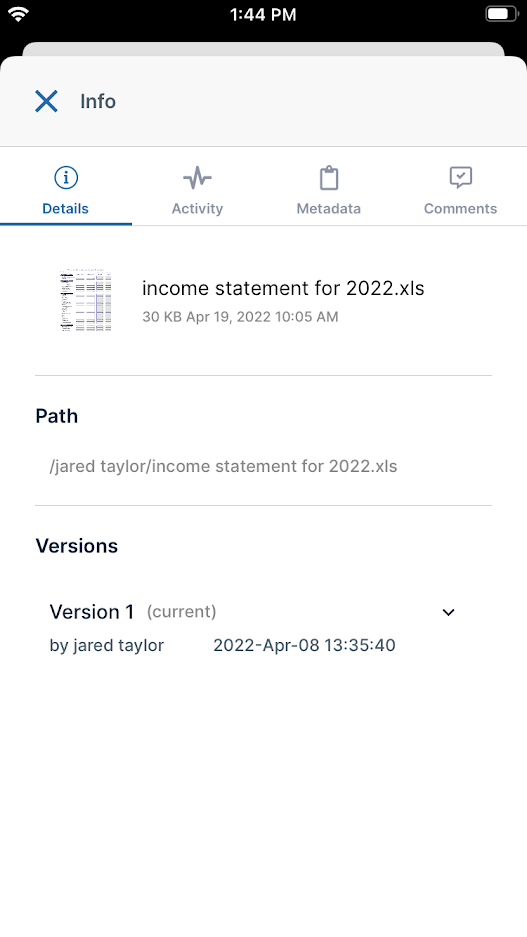
The Info screen opens. From there, you can browse the information on the Details, Activity, Metadata, and Comments tabs.