Web Edit/Open in . . .

Beginning in FileCloud 22.1, Office extensions .doc, .xls, and .ppt are no longer editable in Web Edit. In Desktop Edit, users may still edit .doc, .xls, and .ppt files.
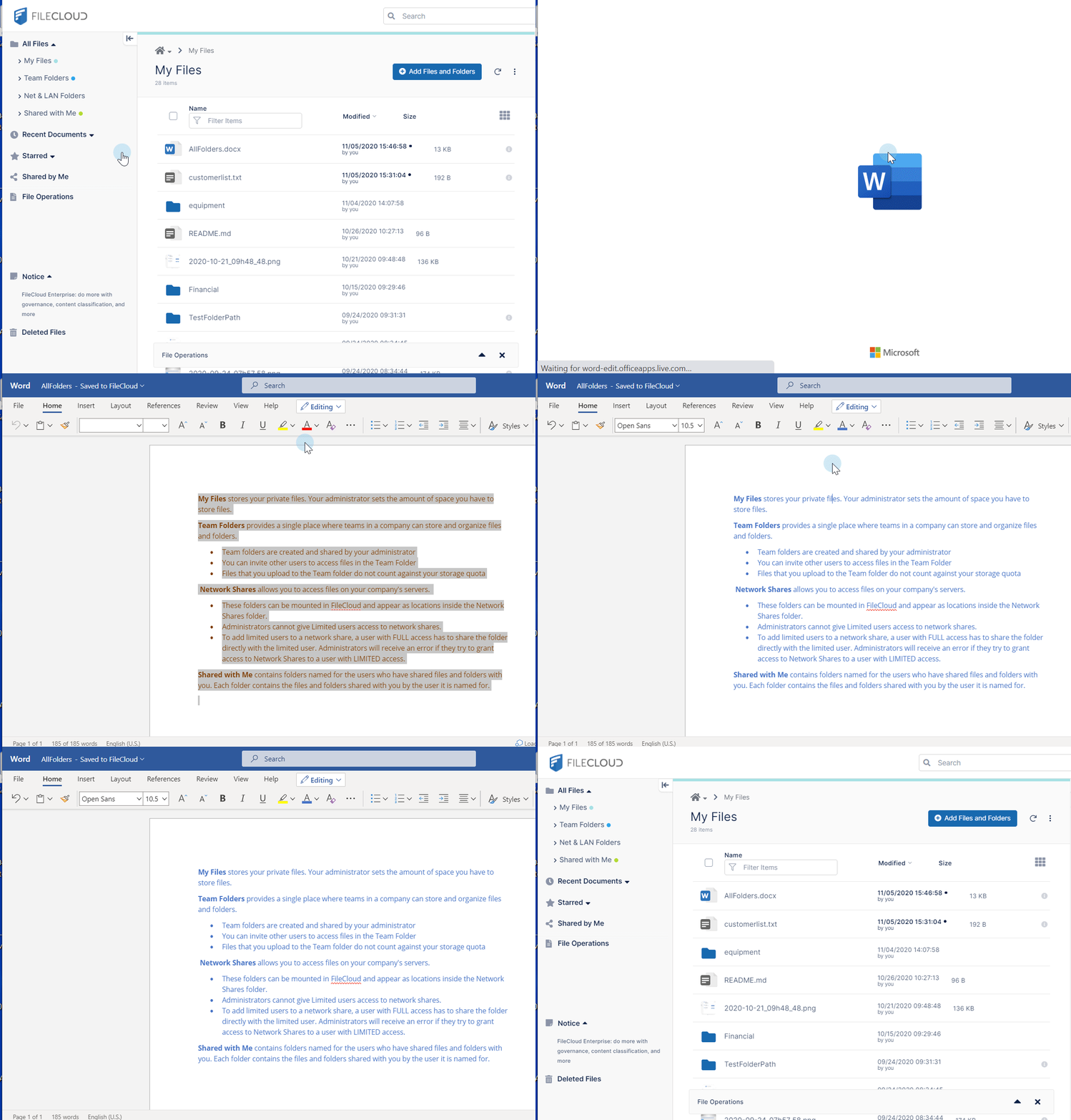
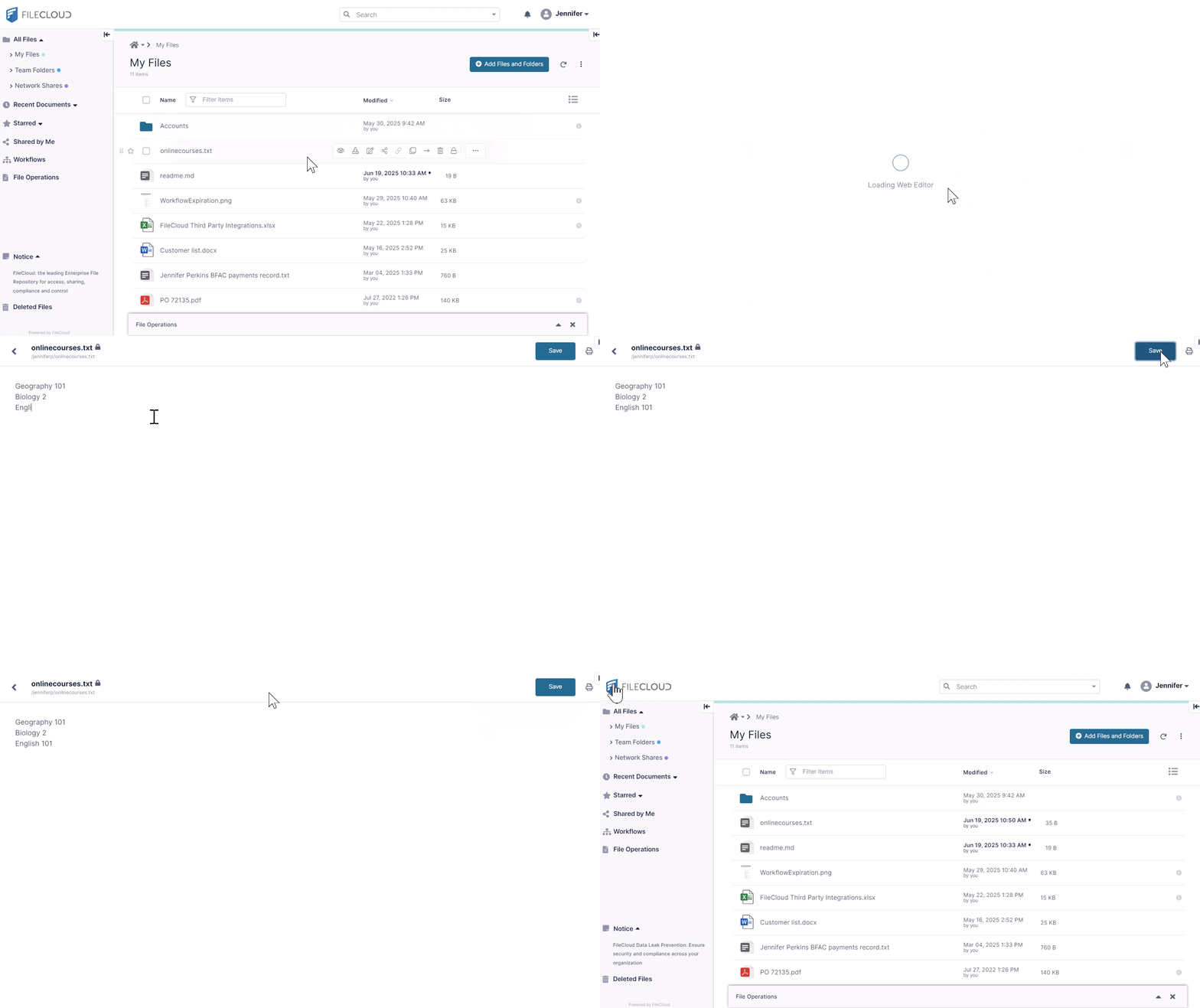
To perform a Web Edit, hover over the file and click the 
For an Office file type, the icon or menu option reflects the external editor available for the file with Web Edit. For non-Office file types, the icon or menu option appears as Edit Online. Clicking opens the file in FileCloud's built-in editor.
(For both Office and non-Office files, if the Edit in Desktop feature is enabled, you also see the Open in Desktop option, which downloads the file and opens it in its native application, then automatically uploads it to FileCloud when you save it.)
If Web edit or Desktop edit is not available for a file type, the
Video: Editing a text file
Video: Editing in Office Online