Working in the Main Dashboard
You can sync files and folders, change settings, and review information in the main dashboard.
To access the main dashboard:
- In the system tray, right click on the Sync icon, and choose Open.
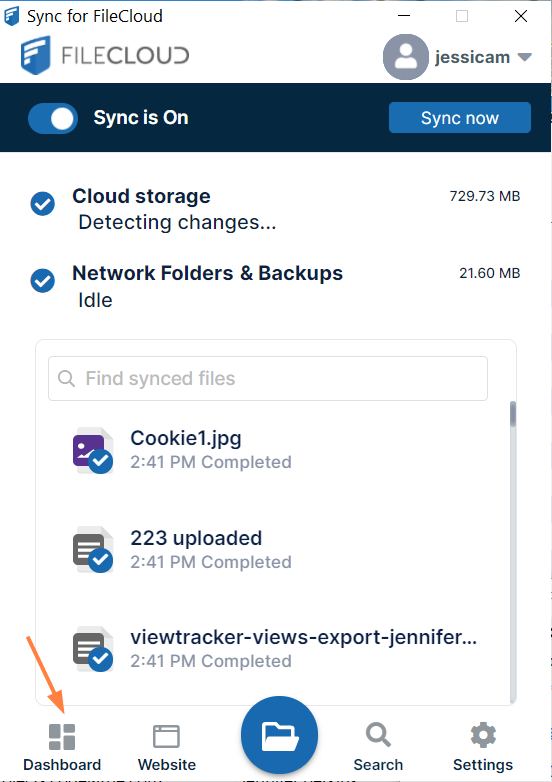
Sync's mini-dashboard opens. At the bottom of the mini-dashboard, click the Dashboard icon.
The main dashboard opens. It has several screens, which are listed in the left navigation pane. Click the name of a screen to open it.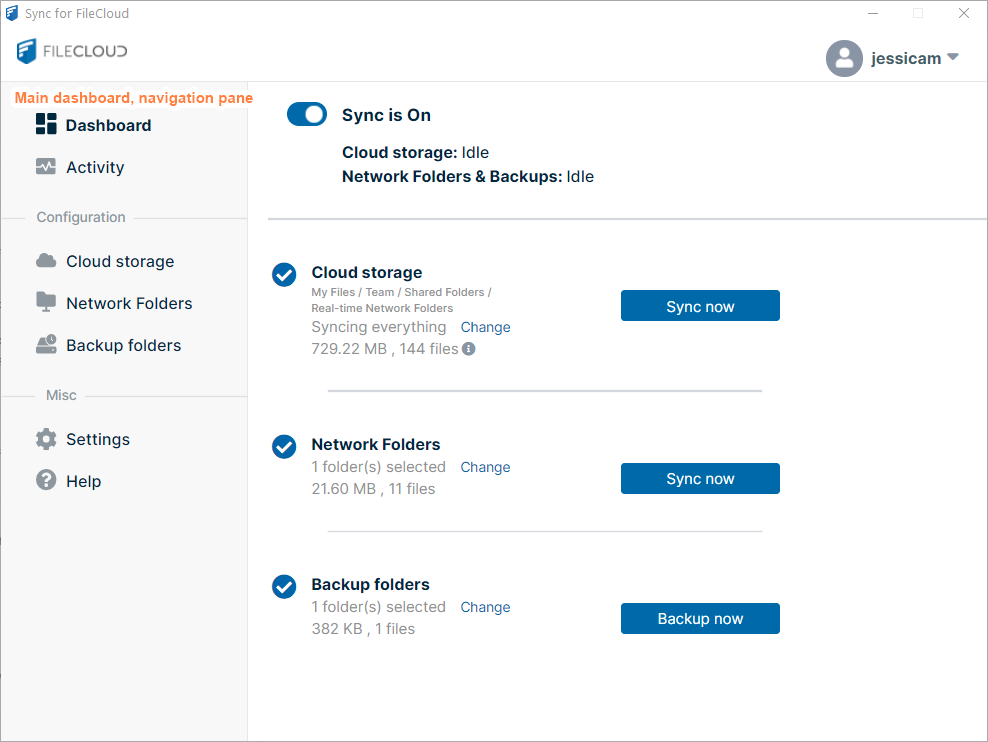
Dashboard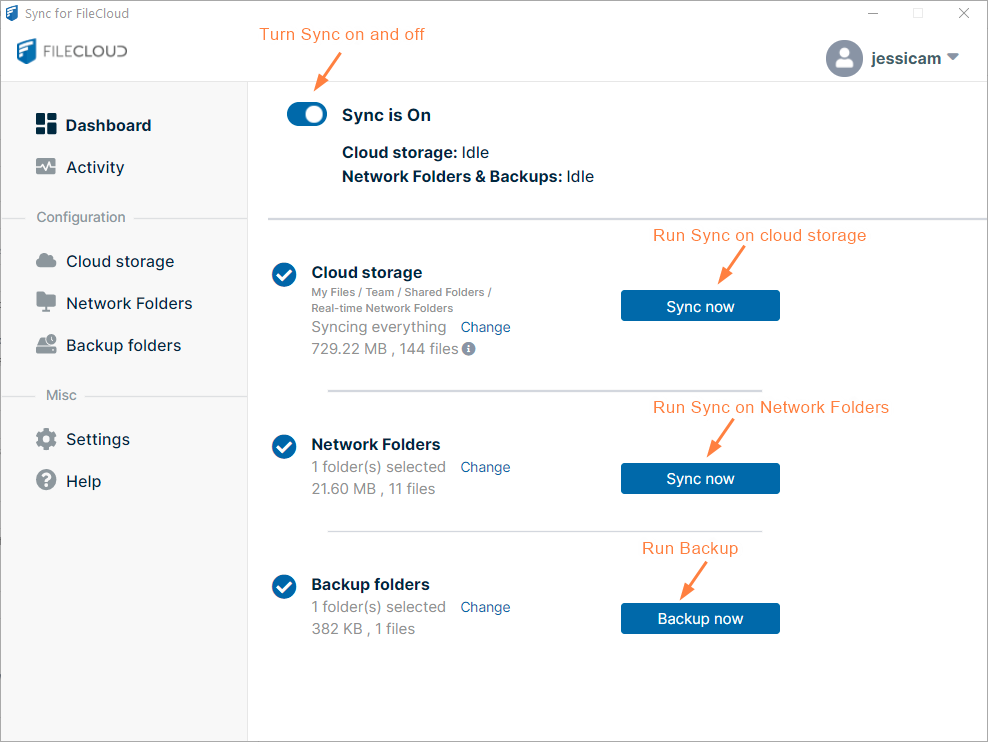
Activity
Activity View or Clear Log Messages in Sync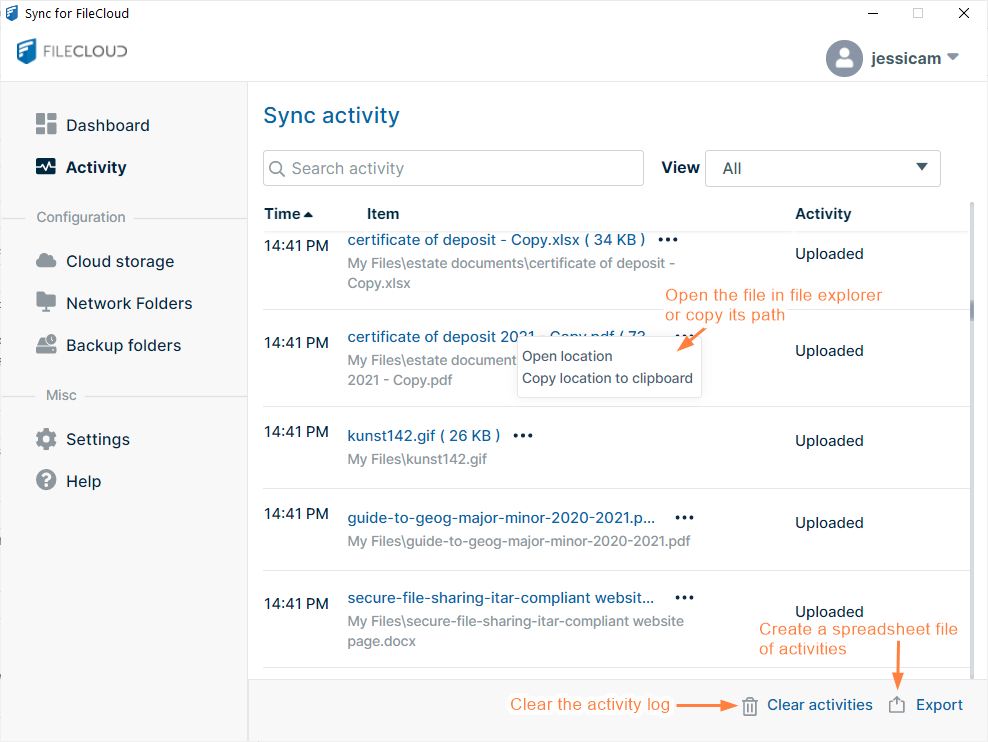
Cloud storageMy FilesTeam FoldersShared with Me
Cloud Storage: Selective Folder Sync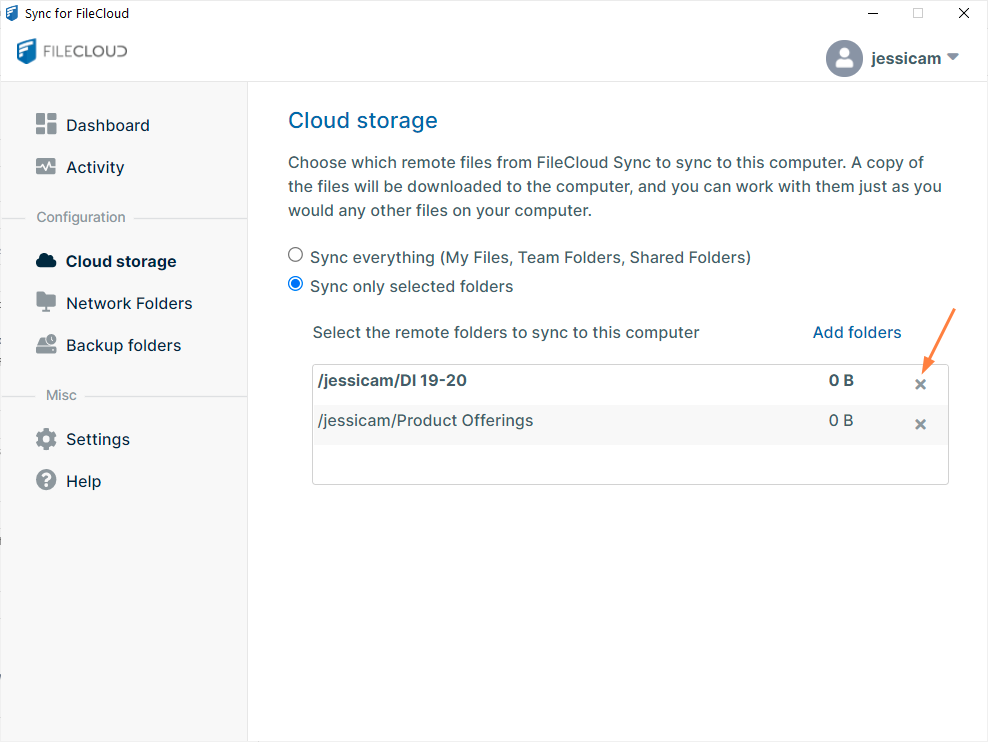
The Network Folders screen enables you to view and change your Sync settings for FileCloud content in Network Folders.
For more information, see Sync Network Folders for Offline Access.
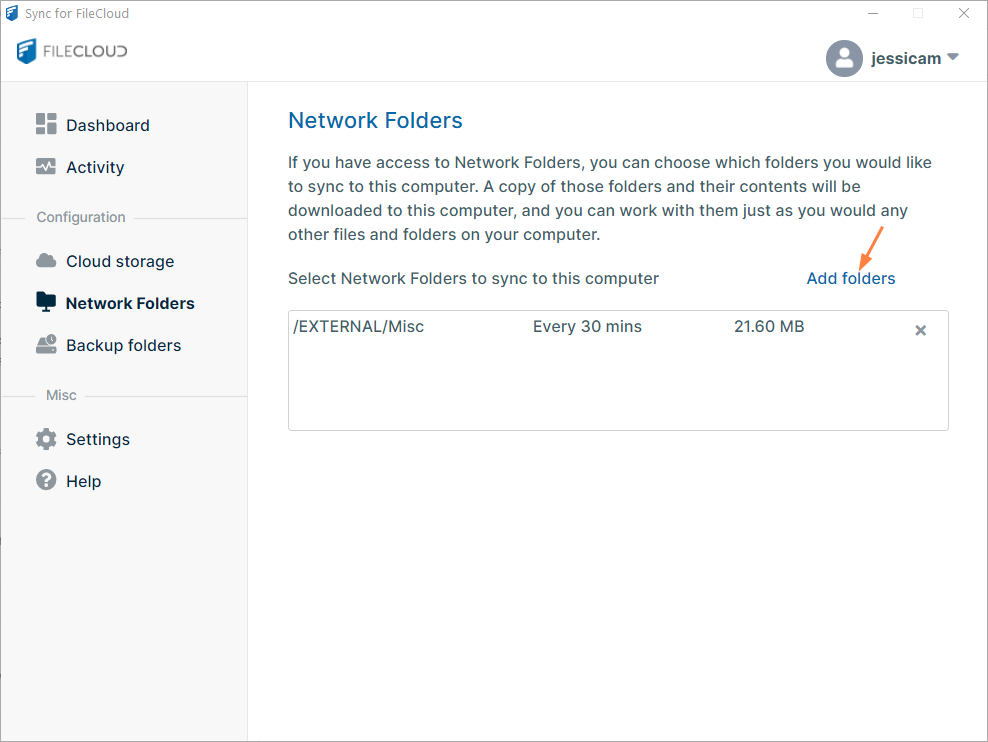
The Backup folders screen lets you view and change your Sync settings for backing up local content to FileCloud.
For more information, see Backing Up Files.
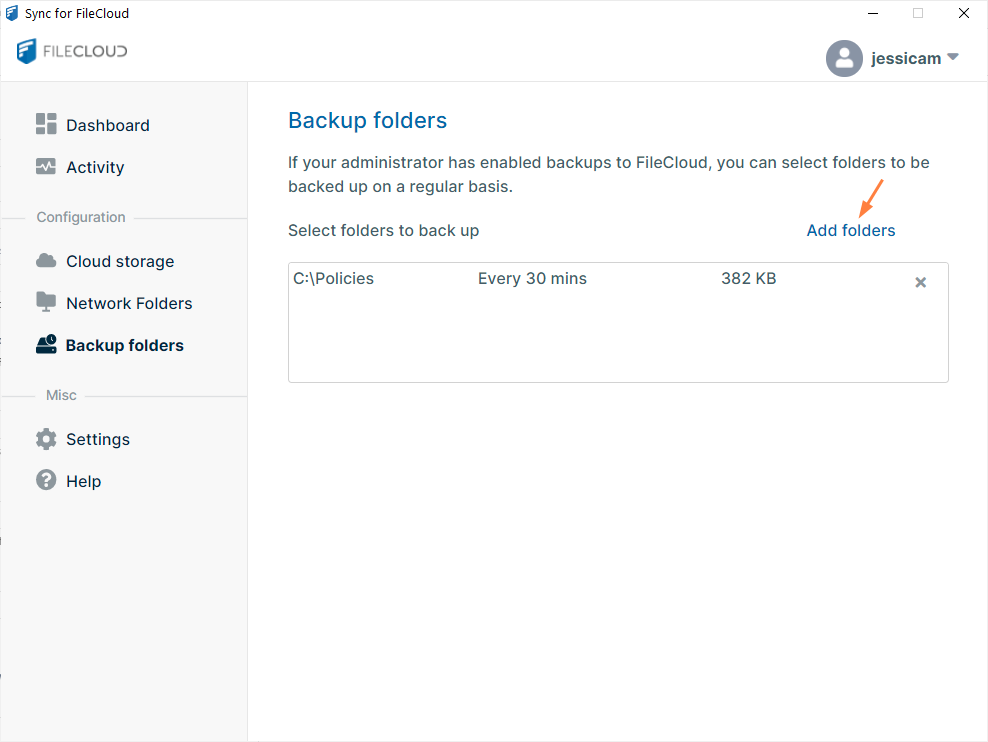
Settings
Sync Settings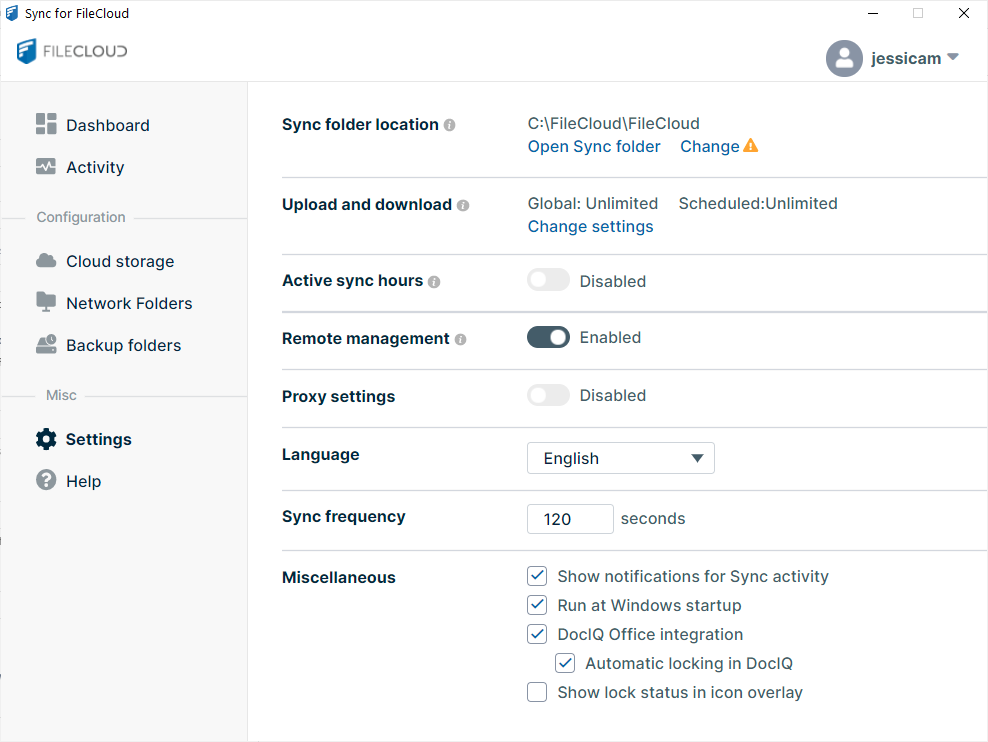
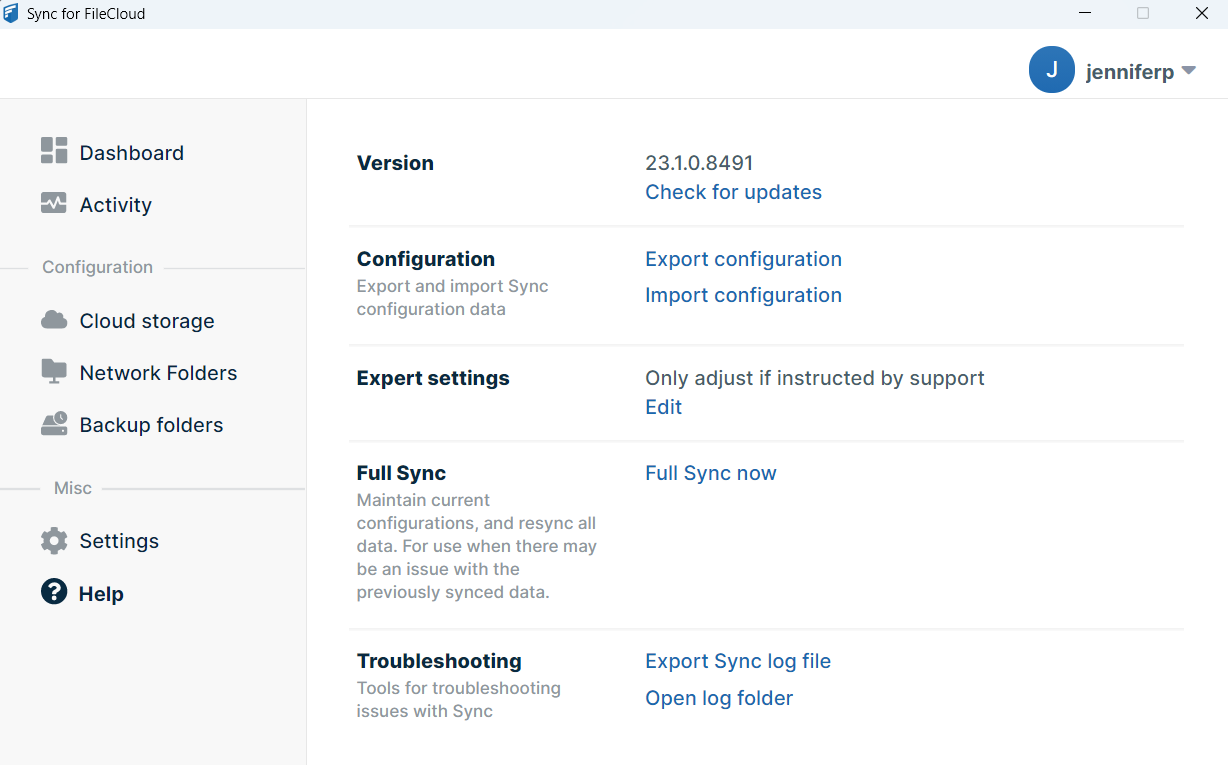
Help
Sync Logs