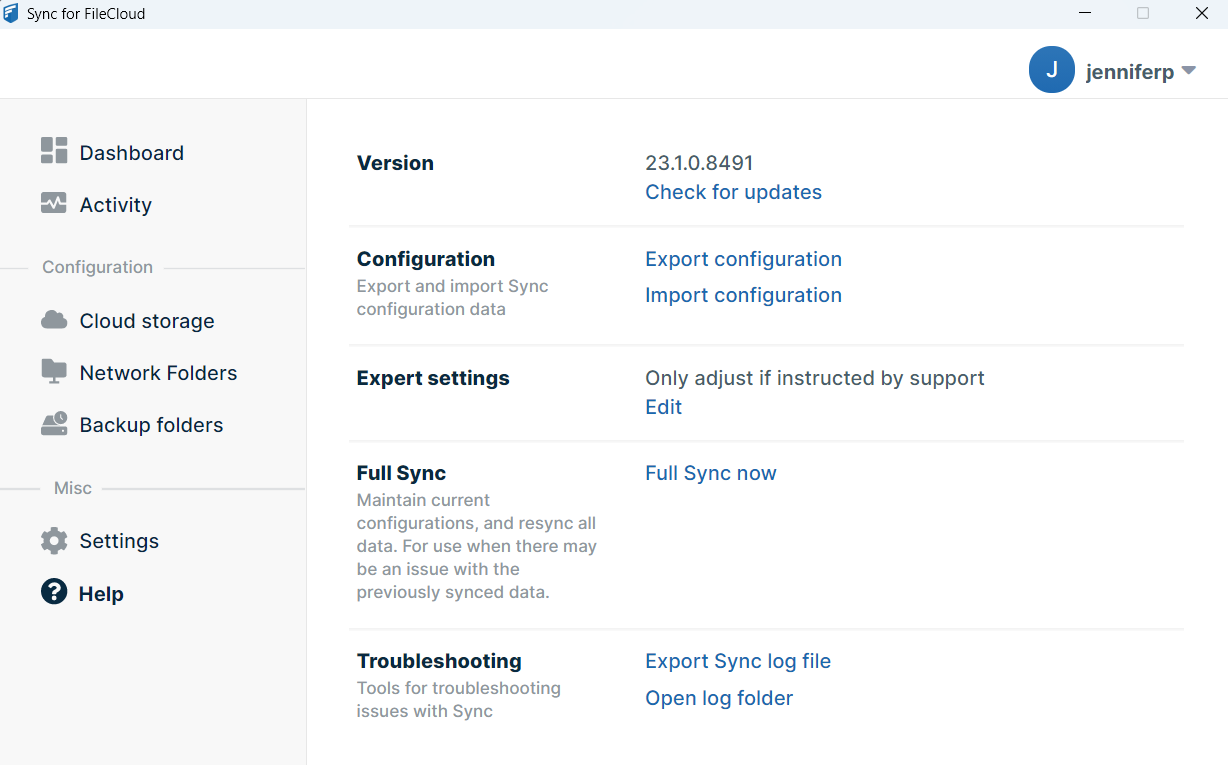
Working in the Main Dashboard
You can sync files and folders, change settings, and review information in the main dashboard.
To access the main dashboard:
- In the system tray, right click on the Sync icon, and choose Open.
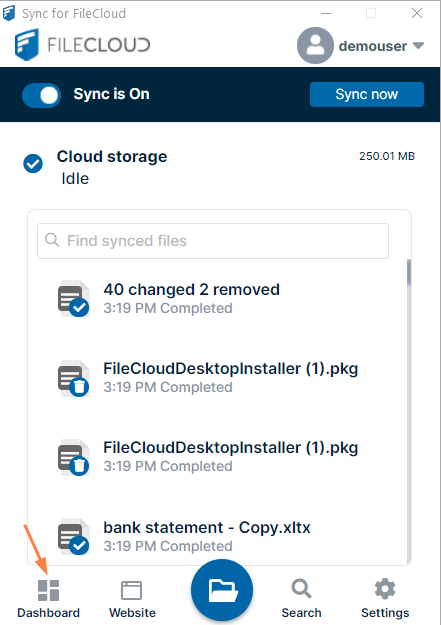
Sync's mini-dashboard opens. At the bottom of the mini-dashboard, click the Dashboard icon.
The main dashboard opens. It has several screens, which are listed in the left navigation pane. Click the name of a screen to open it.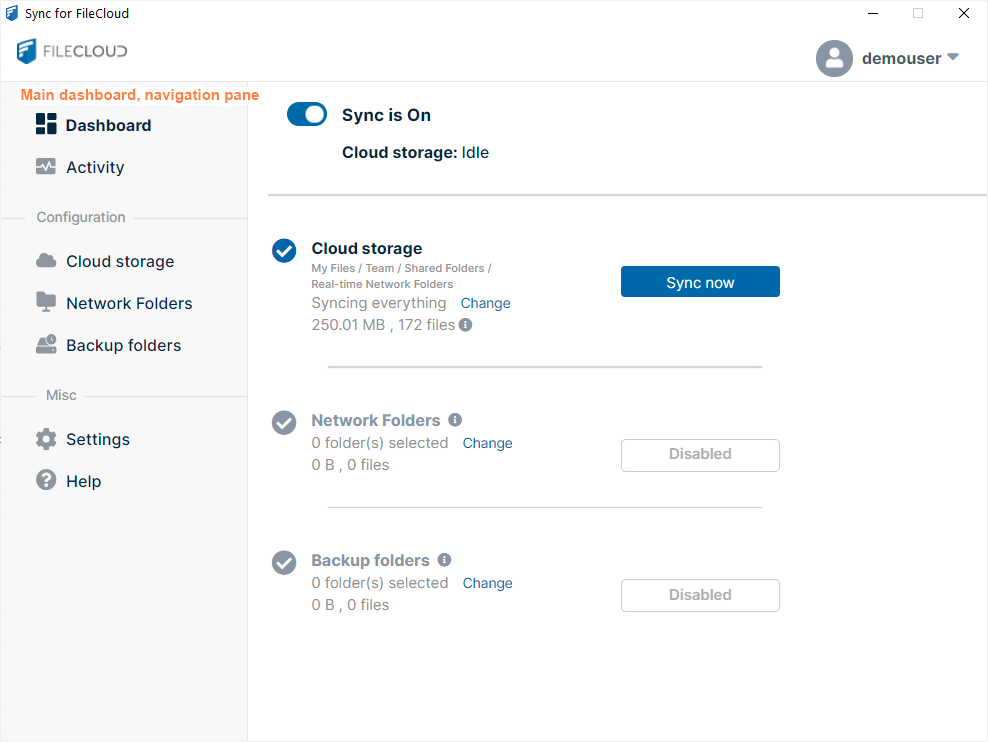
Dashboard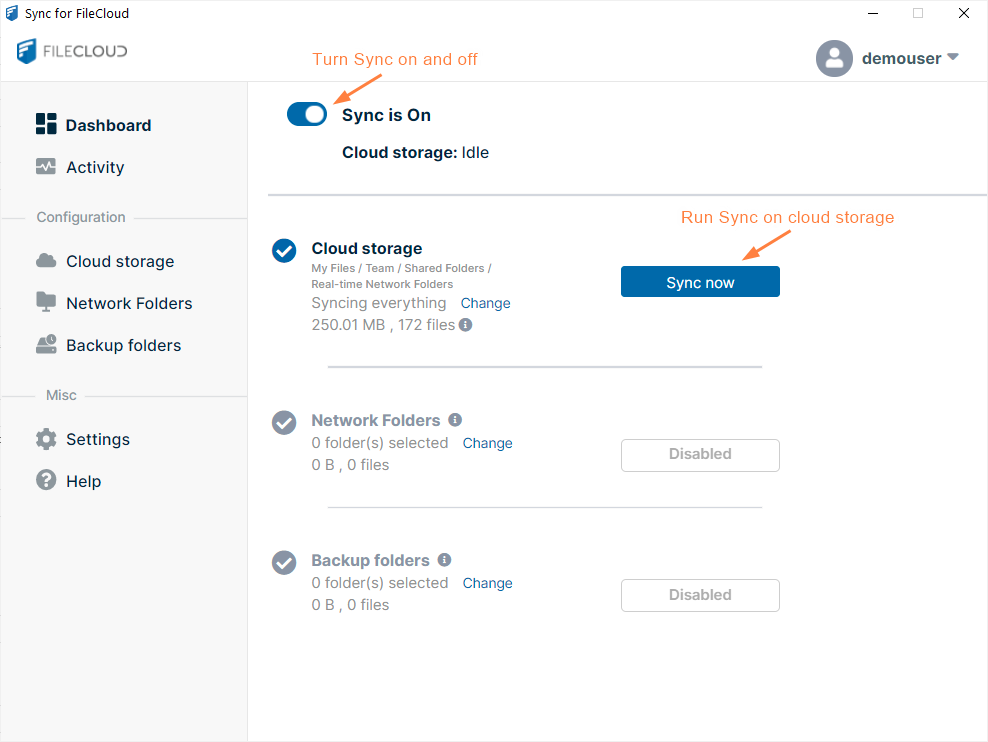
Activity
Activity View or Clear Log Messages in Sync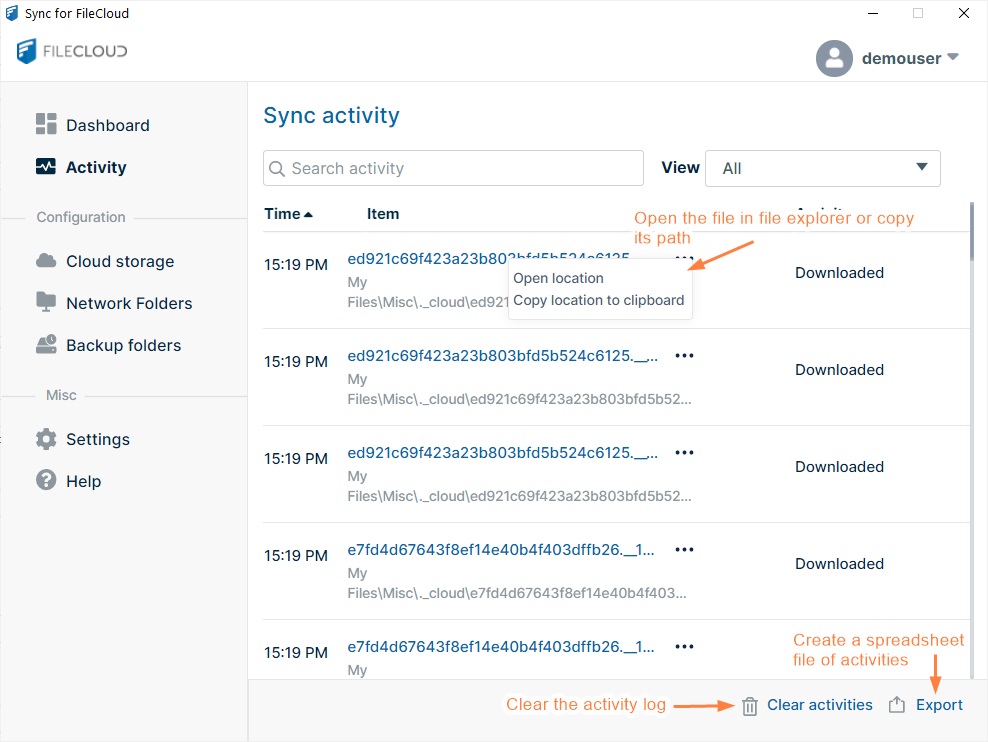
Cloud storageMy FilesTeam FoldersShared with Me
Cloud Storage: Selective Folder Sync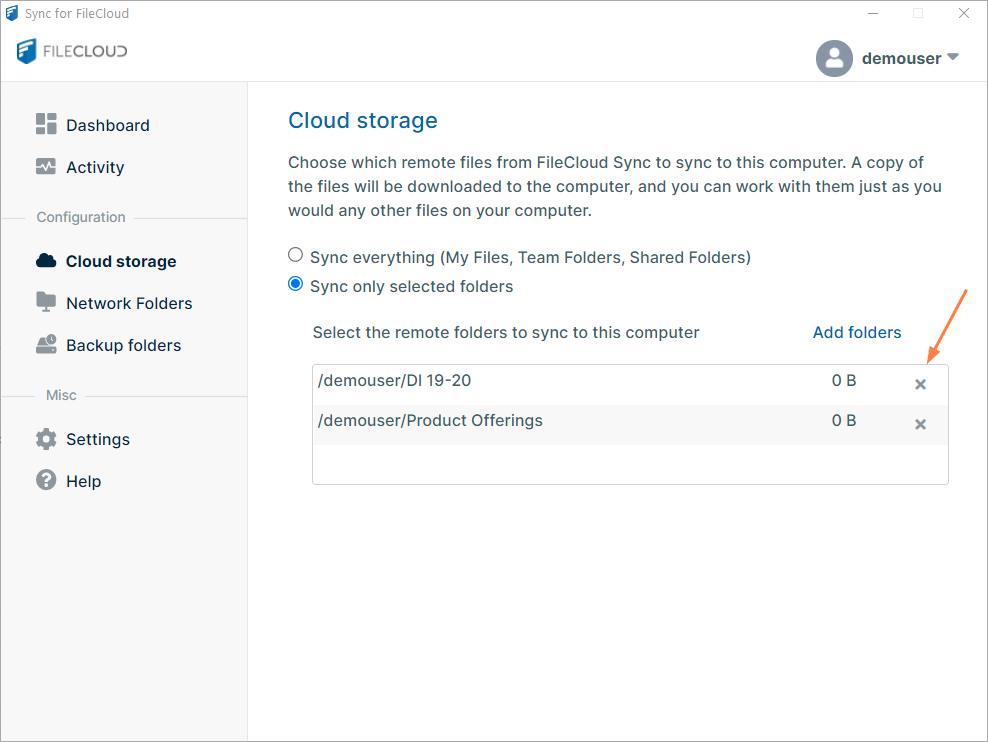
Most FileCloud Online users do not have access to Network Folders and see the following message on the Network Folders screen: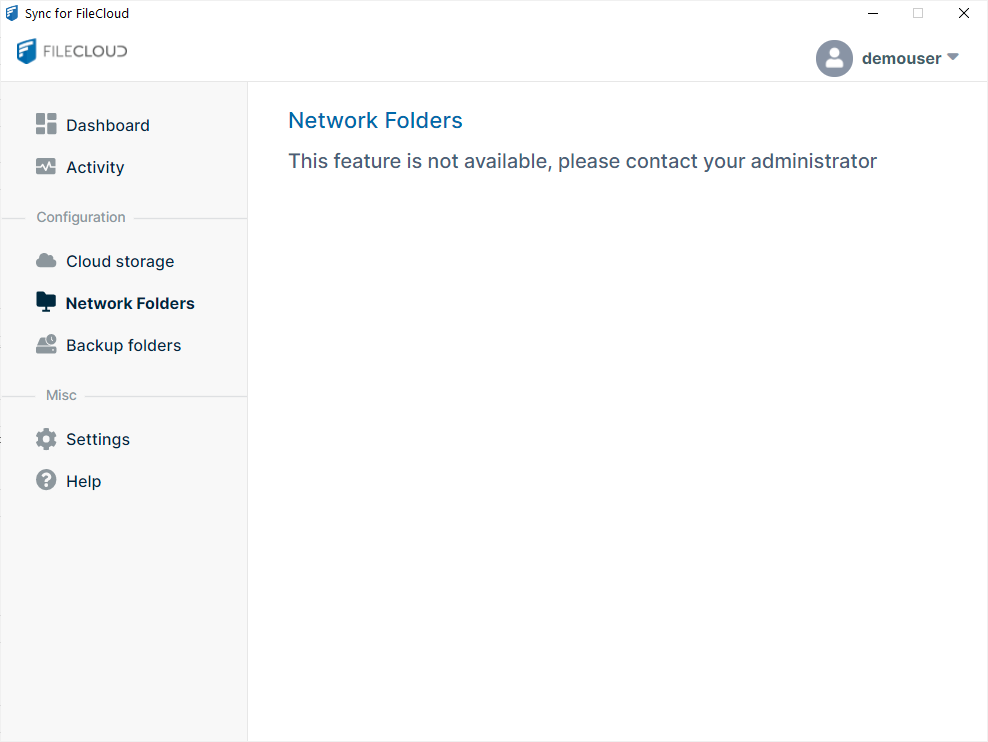
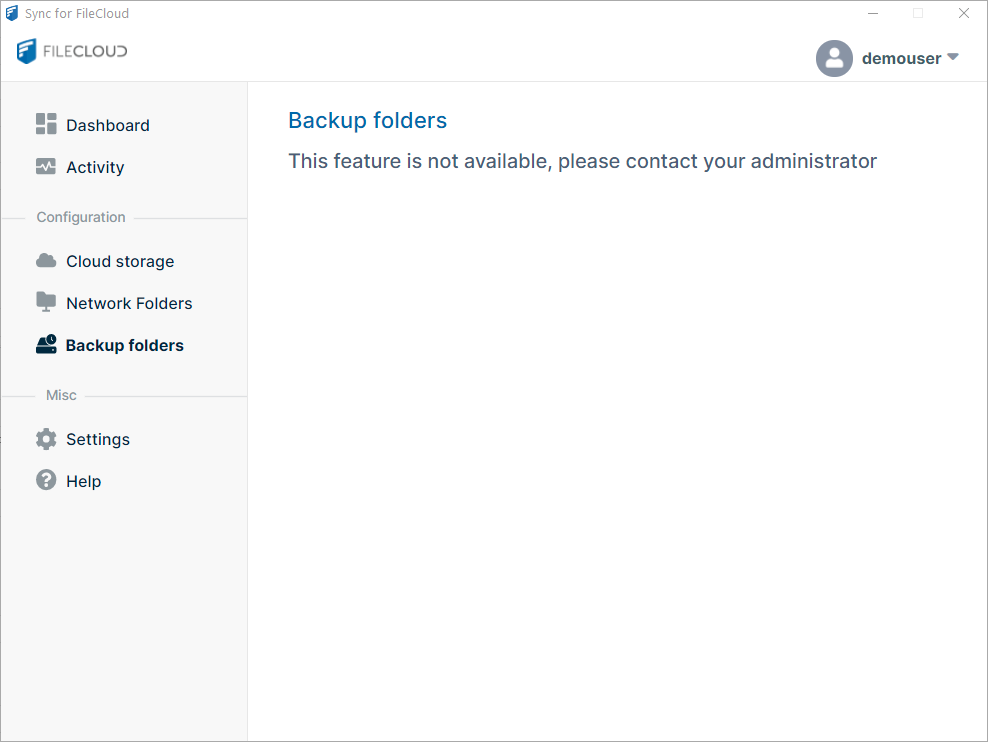
Most FileCloud Online users do not have access to the backup function in Sync and see the following message on the Backup folders screen:
Settings
Sync Settings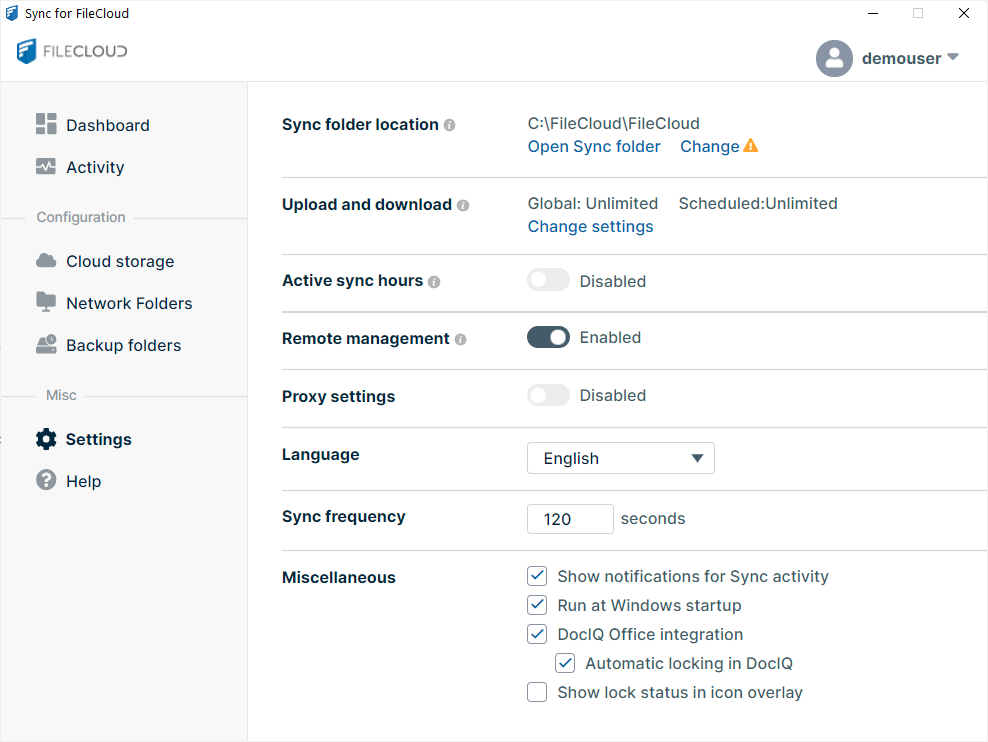
Help
Sync Logs