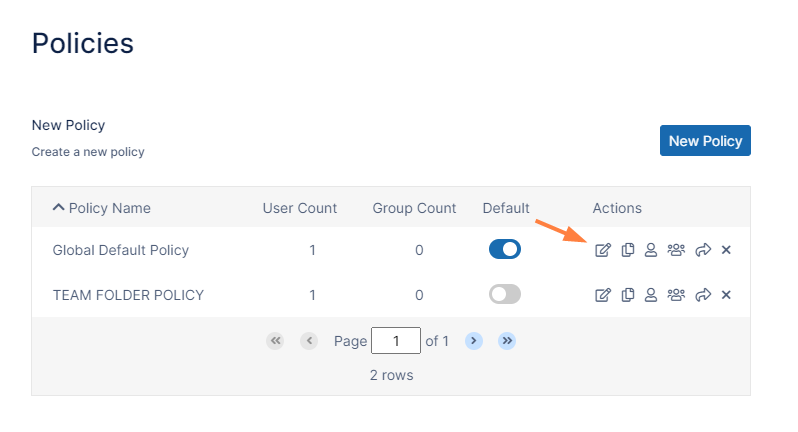
In the FileCloud admin portal's left navigation bar, scroll down and clickSettings.Then, on theSettingsnavigation page, clickPolicies. ThePolicies settings page opens.
Click the Edit icon in the row for the users' policy. The Policy Settingsdialog box opens.
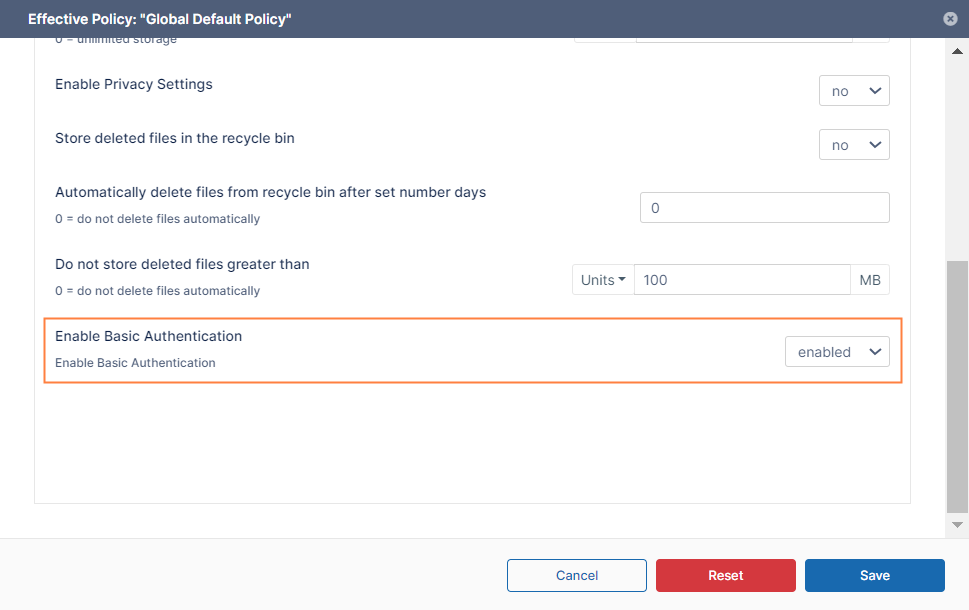
Scroll to the bottom of the policy's General tab.
Set Enable Basic Authentication to enabled.
Click Save.
To enable specific users to use basic authentication, assign the policy to them.
JavaScript errors detected
Please note, these errors can depend on your browser setup.
If this problem persists, please contact our support.