Submit a CSR to Your SSL Provider
You must create your CSR before you can submit it to your SSL provider. The following procedure uses GoDaddy as an example. Change the steps as necessary to perform the same actions in your SSL provider.
- Log in to your SSL provider, and under SSL Certificates, click Set up.
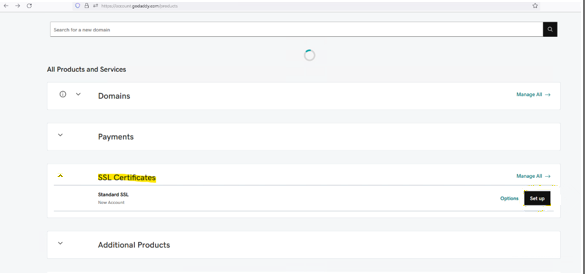
The Certificate Setup screen opens. - Click Input a CSR.
Paste the content of your CSR file into the text field.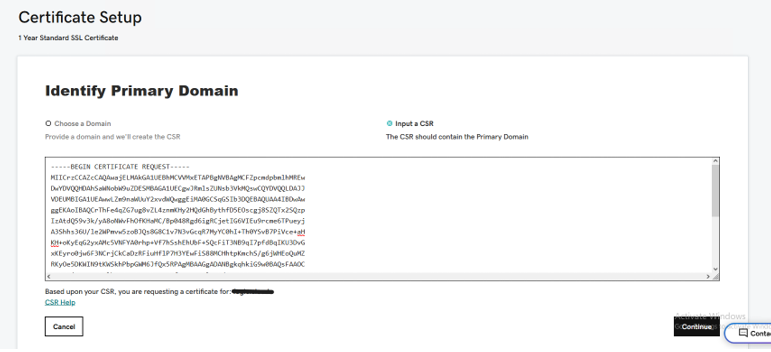
- Click Continue and complete the certificate setup.
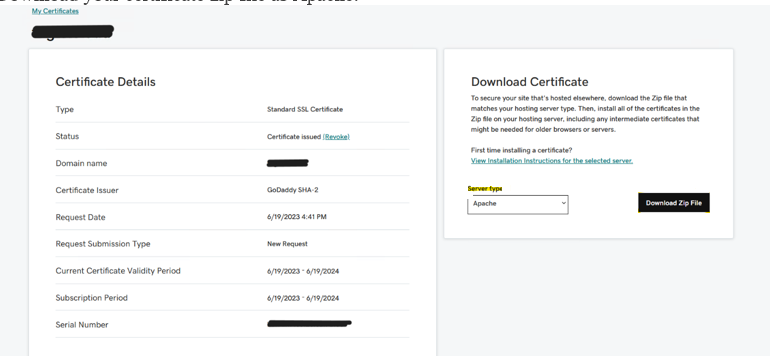
- Navigate to Certificates and select your certificate.
- In Server Type, choose Apache.
- Click Download Zip File.