
Viewing Client Information
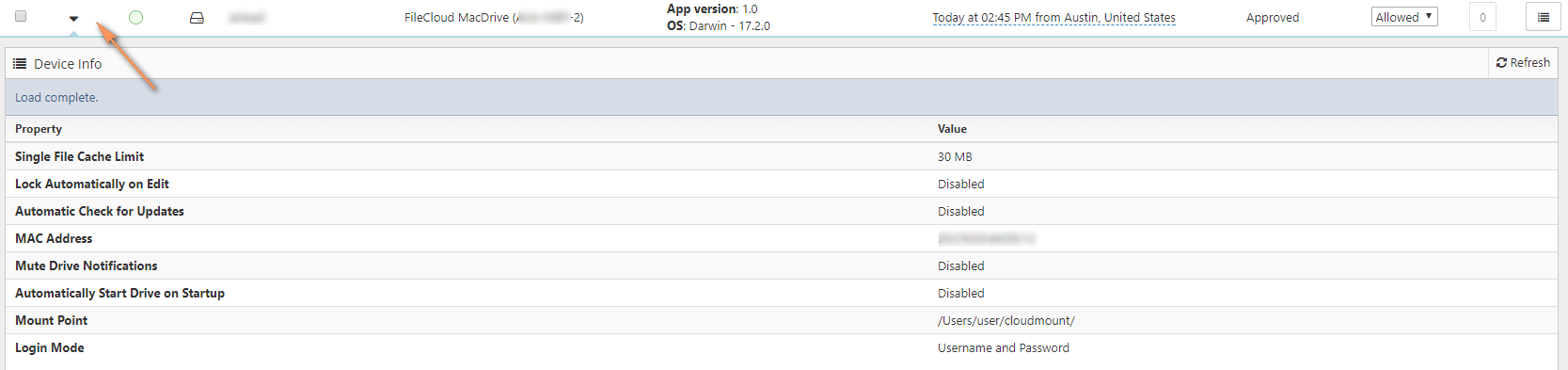
Managing client devices requires the ability to view client information about:
- Health
- State
Figure 1. Device Information
What do you want to view?
Each client now has health information represented by the icon in the client table.
| Health color | Information | |
|---|---|---|
| Green | Healthy client |
| Yellow | Some problems reported by client |
| Red | Critical problem reported by client |


